Features
One workspace for every ad account, every report and every routine job
Valkiria connects your ad platforms, reads the numbers and drafts the next step. You decide what applies on its own and what waits for your approval. The pages below show the real product, not mock-ups.
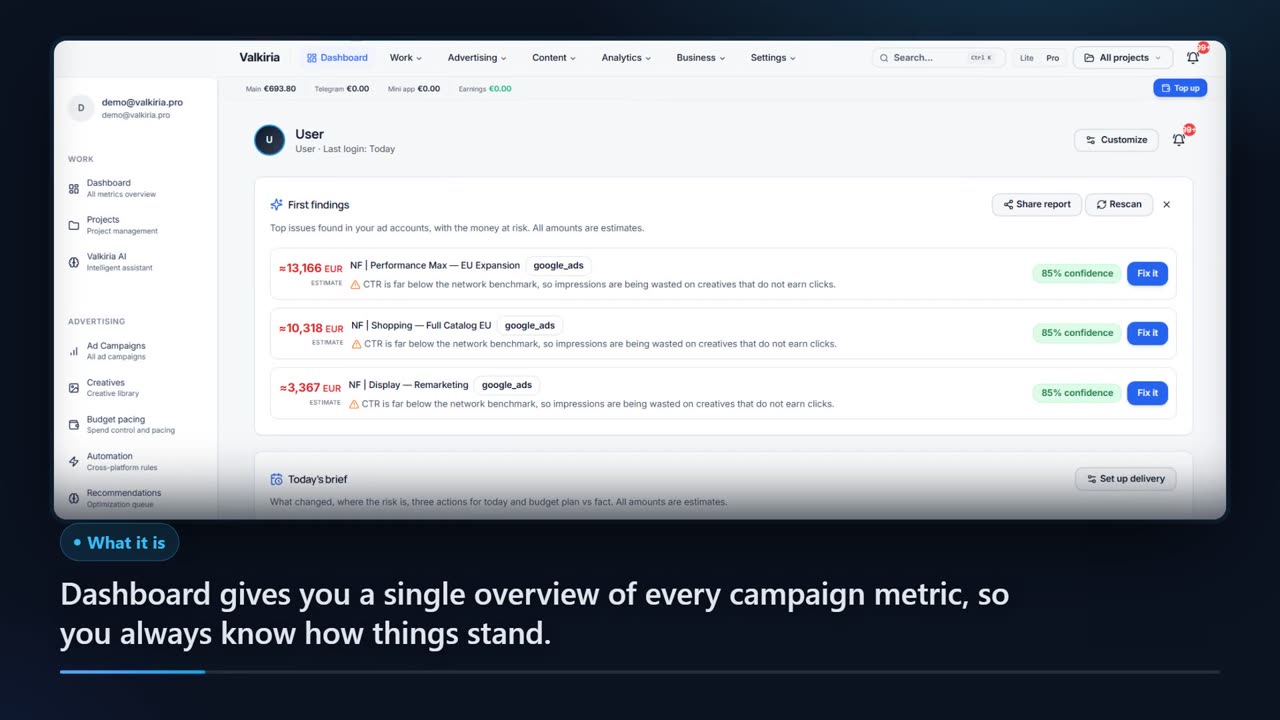
01A working day in Valkiria
From a brief to a client report without changing tabs
Five stages that every marketing team repeats weekly. Each one is a module you can open on its own.
01
Launch from one list
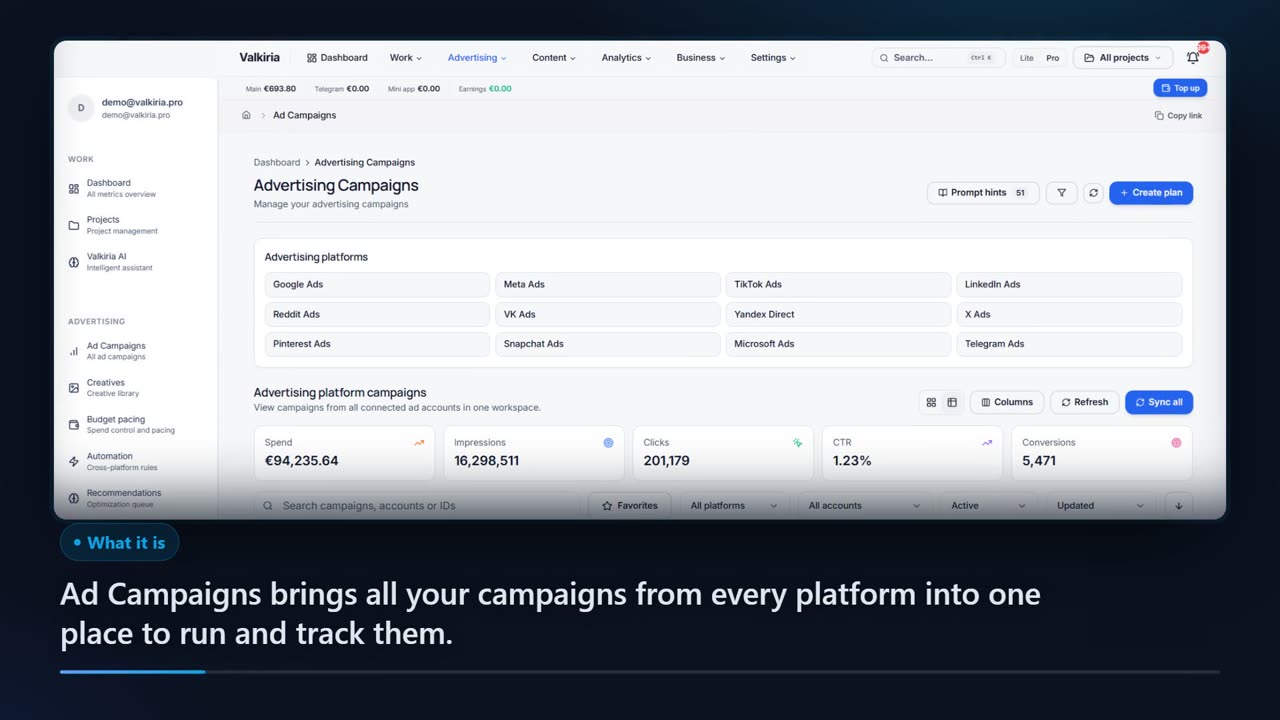
Every campaign from Google, Meta, TikTok, Telegram and the other connected networks sits in one table with shared filters. Create, pause and edit from the same place the numbers live.
Open the moduleFootage recorded in the production Valkiria workspace. Demo data, real interface. 02
Let rules watch the thresholds
Automation rules follow CTR, CPA, ROAS and spend around the clock and tell you when a limit breaks. Actions are proposed, you confirm them.
Open the moduleFootage recorded in the production Valkiria workspace. Demo data, real interface. 03
Measure across networks
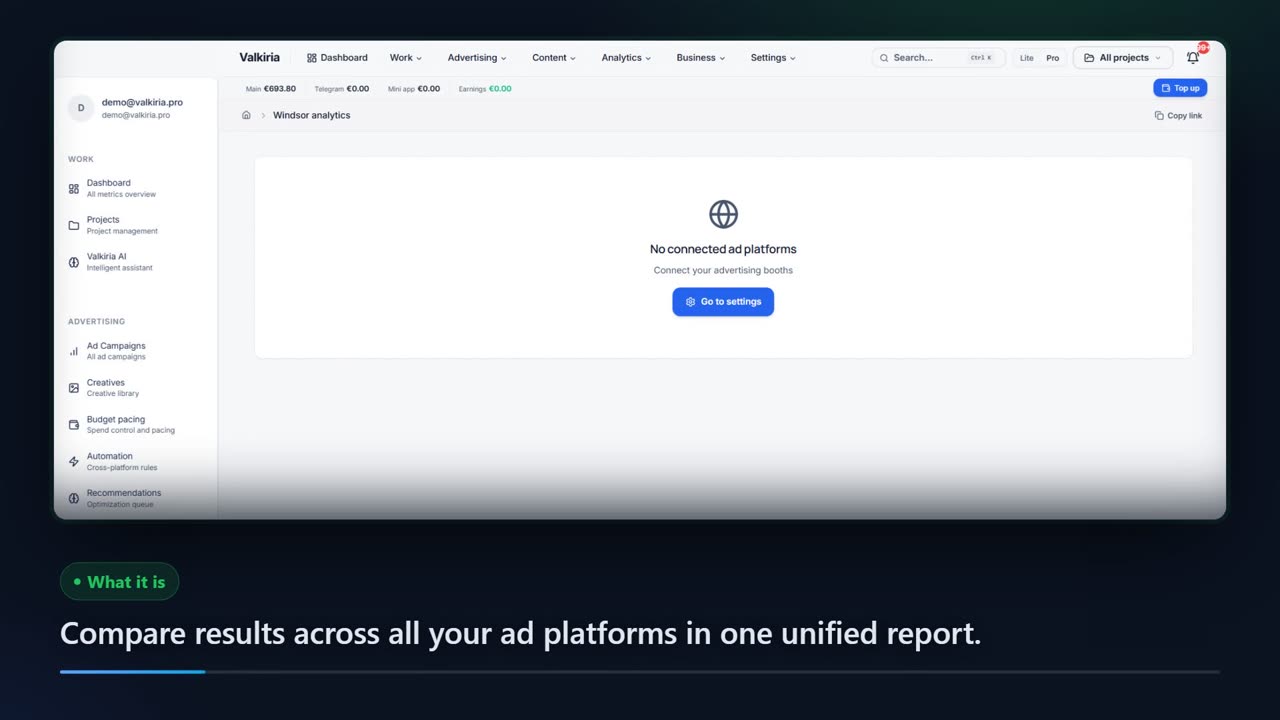
Spend, impressions, clicks, CTR, CPC and conversions from every connected platform in one report, with the same definitions everywhere.
Open the moduleFootage recorded in the production Valkiria workspace. Demo data, real interface. 04
Produce creatives in the campaign language
Banners from a URL or a short brief, copy written in the campaign language and composited on the layout, then checked against the pixel limits of each network.
Open the moduleFootage recorded in the production Valkiria workspace. Demo data, real interface. 05
Send the report on schedule
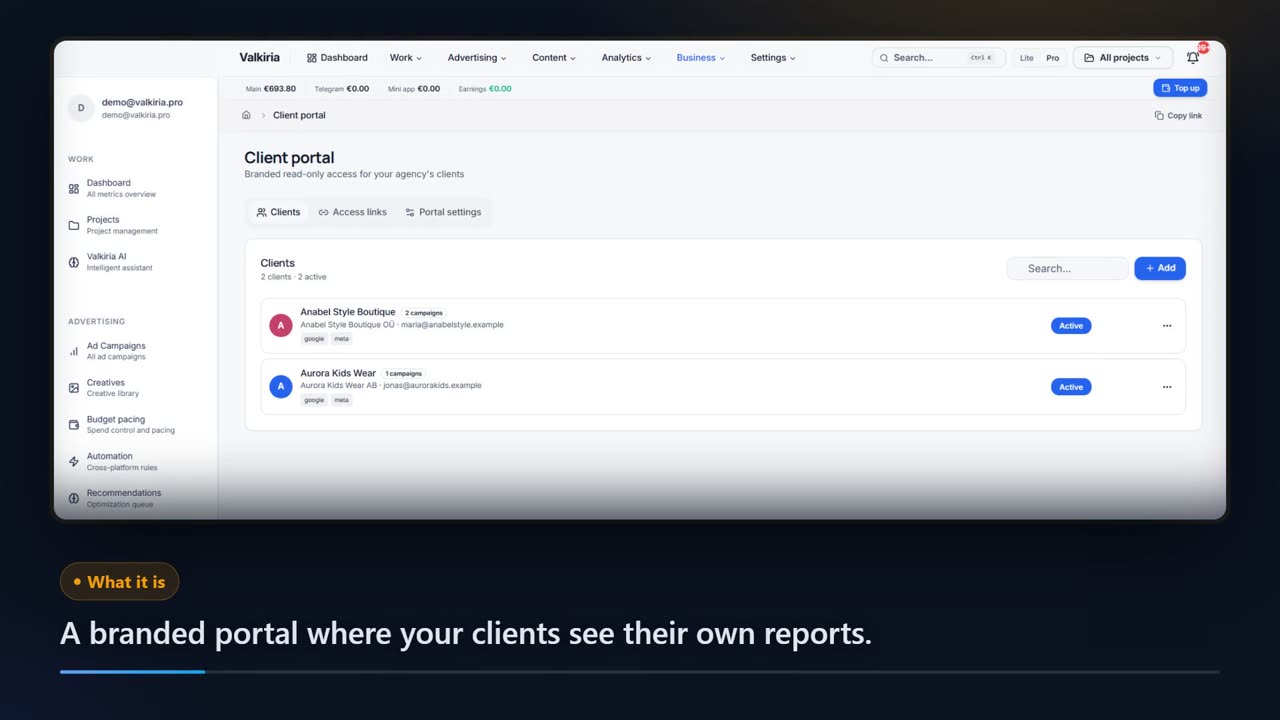
Every platform in one view, automatic scheduling, export to PDF, CSV, XLSX and JSON, and a client portal under your brand instead of ad account access.
Open the moduleFootage recorded in the production Valkiria workspace. Demo data, real interface.
Scroll to see it work
Watch a working day collapse into one screen
- 01Scattered
Campaigns, reports, creatives and checks live in different tools.
- 02Connected
Every module reads the same connected data, so nothing is entered twice.
- 03Found
Automation rules and recommendations surface what needs attention today.
- 04Approved
You approve the changes; Valkiria prepares the work and keeps the record.
02What is inside
Twelve things the workspace does for you every day
Capabilities, not promises: each one depends on the connected platform and the permissions of the account.
AI Optimization
Machine learning algorithms automatically optimize your campaigns for maximum ROI
Advanced Analytics
Deep data analysis and visualization for informed decision making
Precise Targeting
Show ads to the right audience with advanced tools
Multi-Platform
Manage advertising on Google, Meta, TikTok and Telegram from one place
Telegram Mini Apps
Create and promote mini-apps in Telegram
Automation
Automate routine tasks and save time
Detailed Reports
Create professional client reports in seconds
Audience Management
Create and manage target audiences
Creatives
Tools for creating and managing ad creatives
Security
Enterprise-level data protection
Real-Time
Monitor metrics in real-time
Privacy
GDPR and other standards compliance
03Beyond media buying
The same data, more rooms to work in
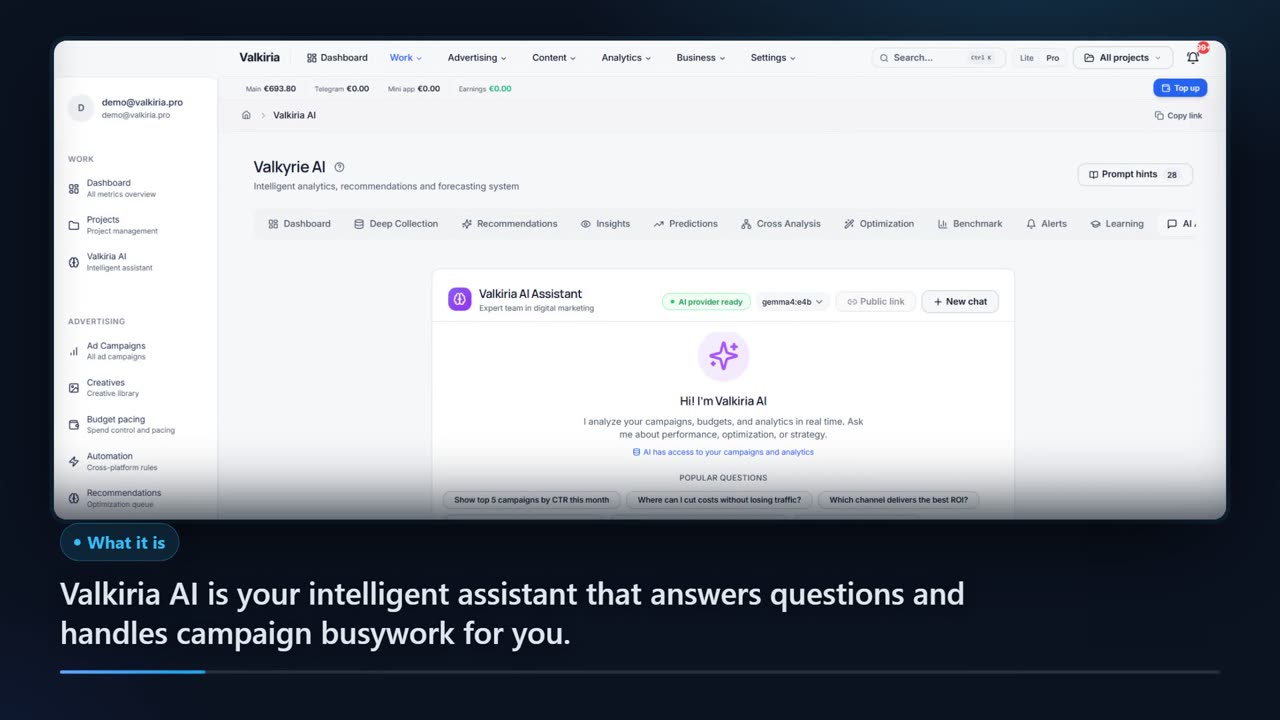
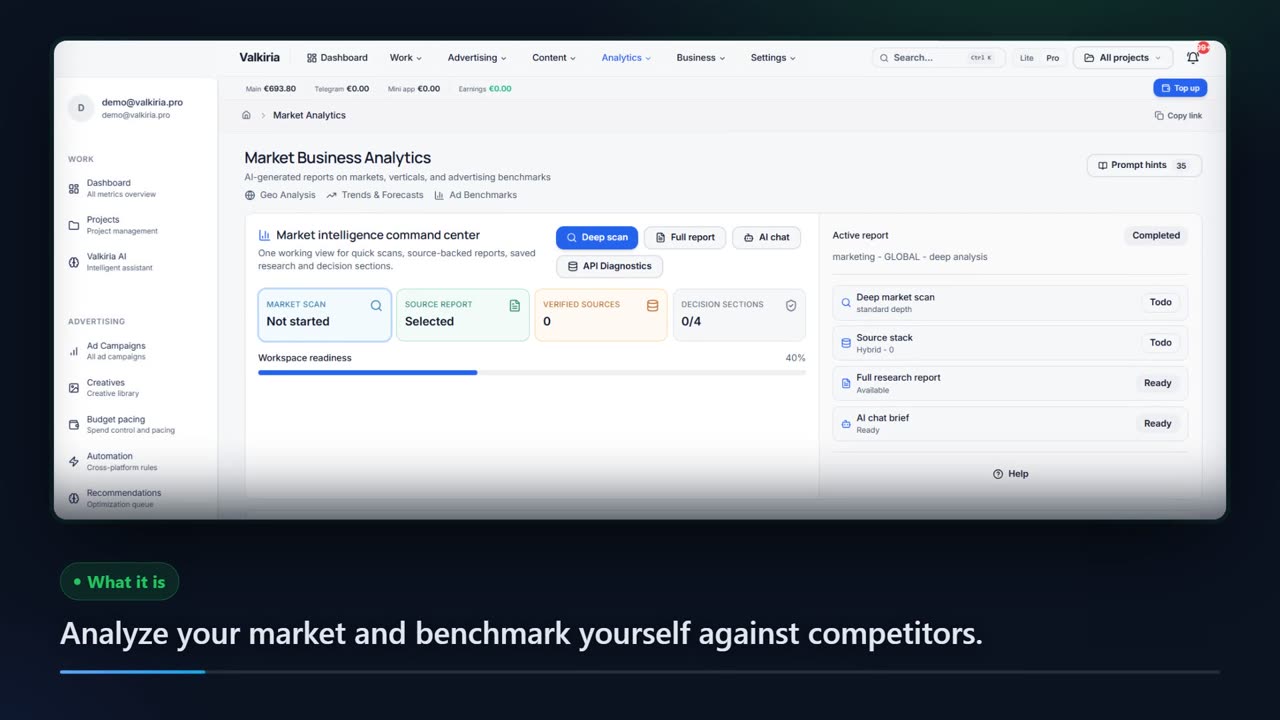
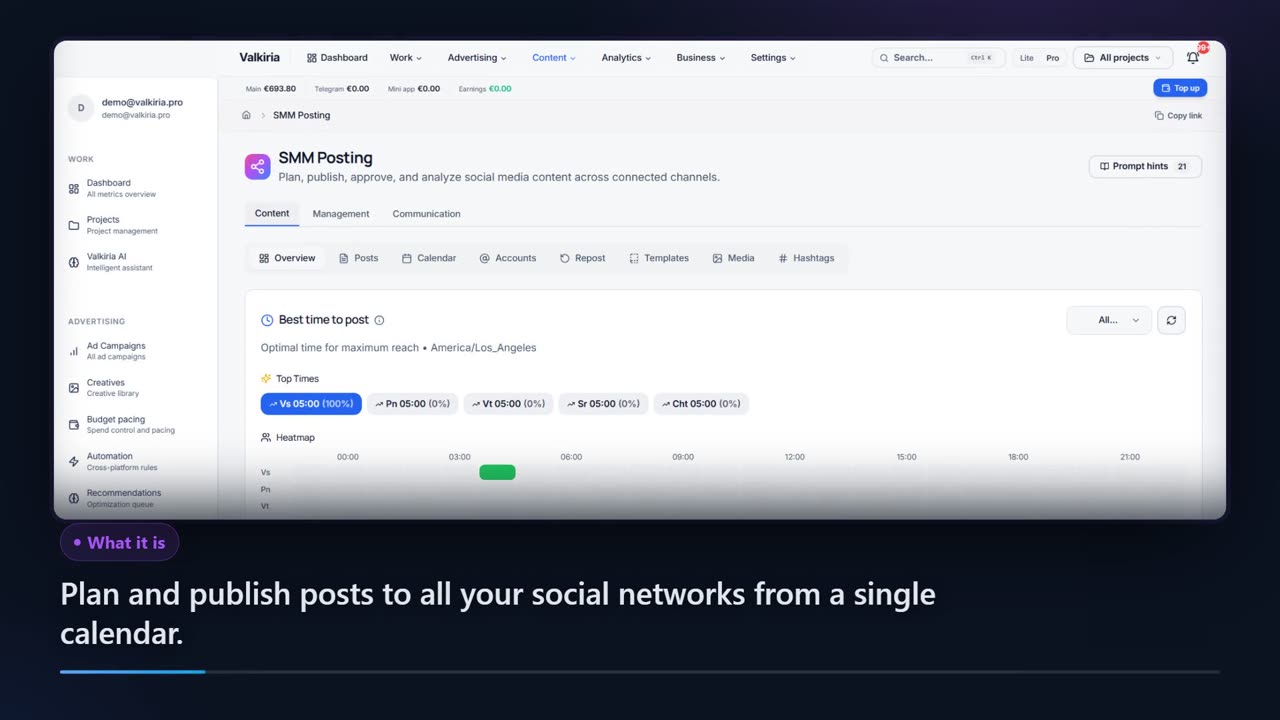
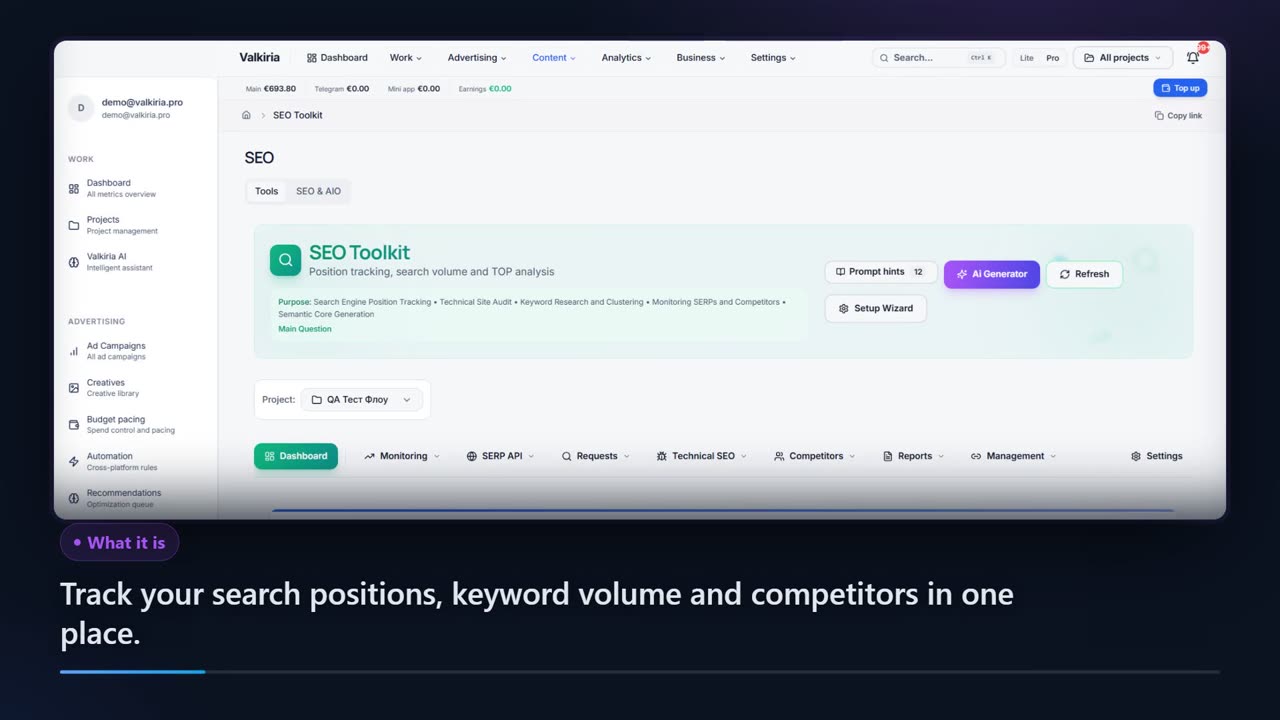
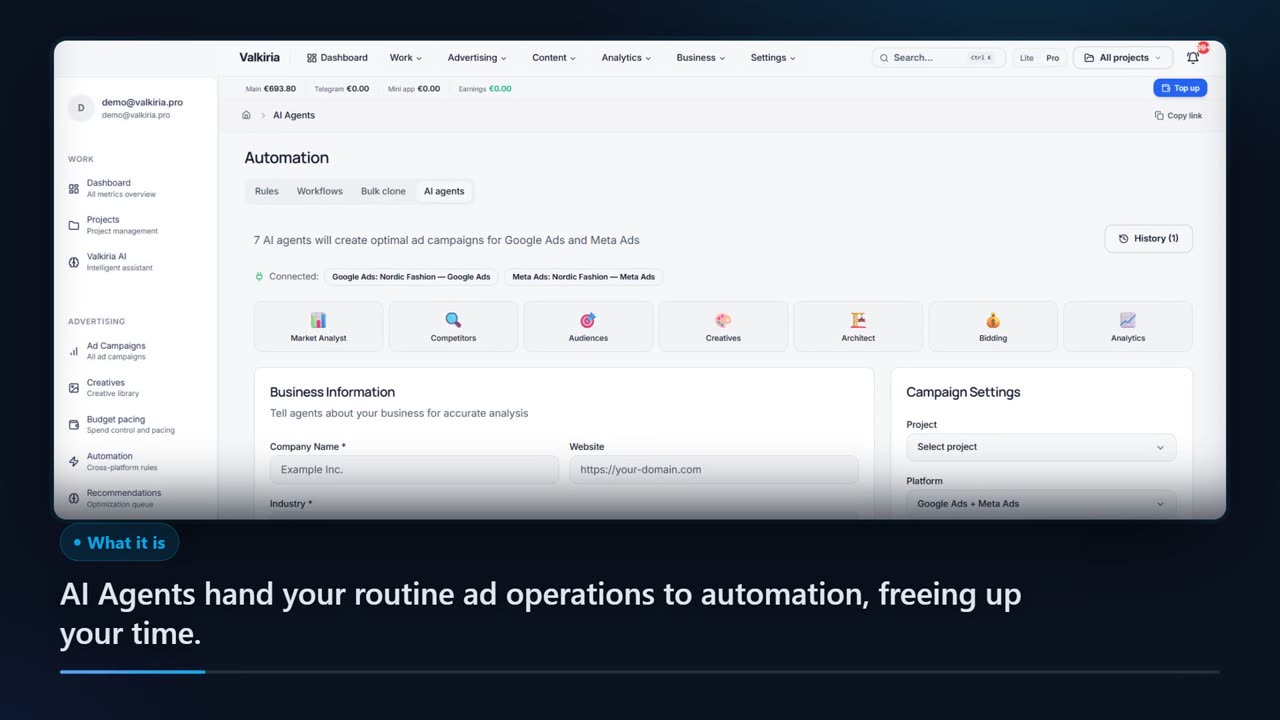
AI that already sees your campaigns, market research with sources, social publishing through the native APIs, SEO and AIO analytics. Pick the room you start in.
04The full catalog
Every module has its own page and its own footage
Filter by job to be done. Each card opens a landing with a video demo in your language, the workflow and the honest limits.
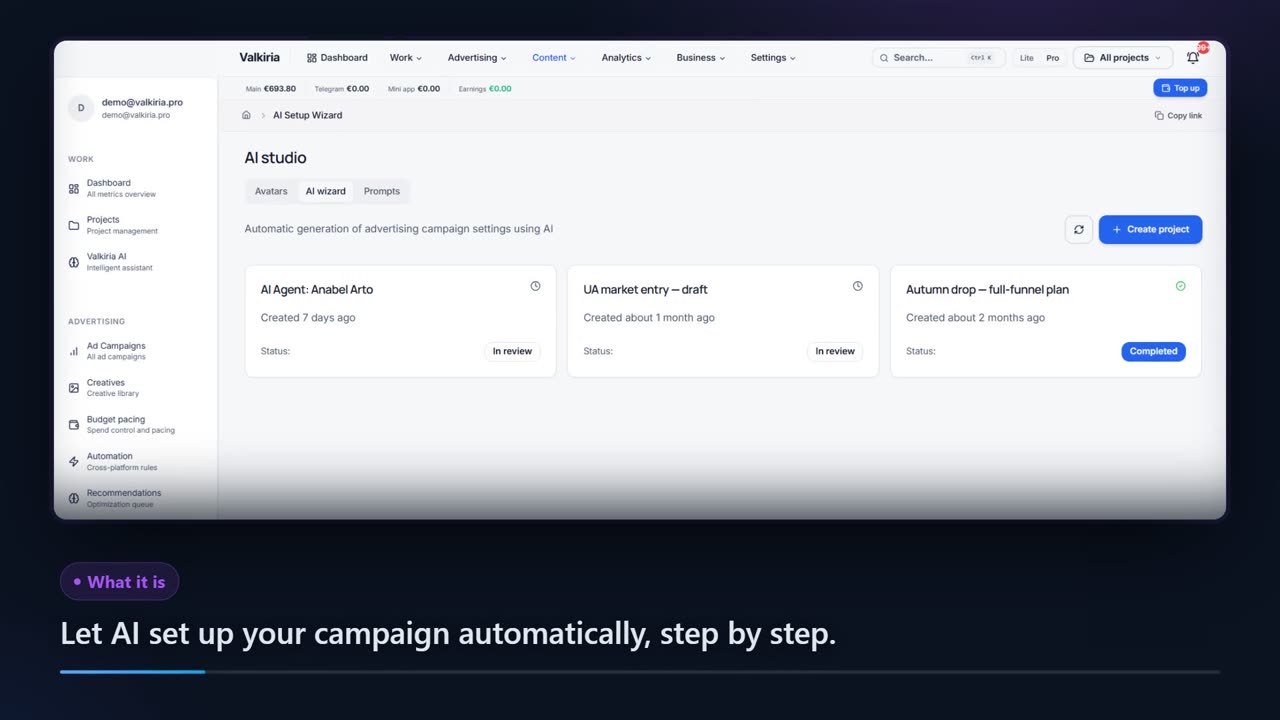
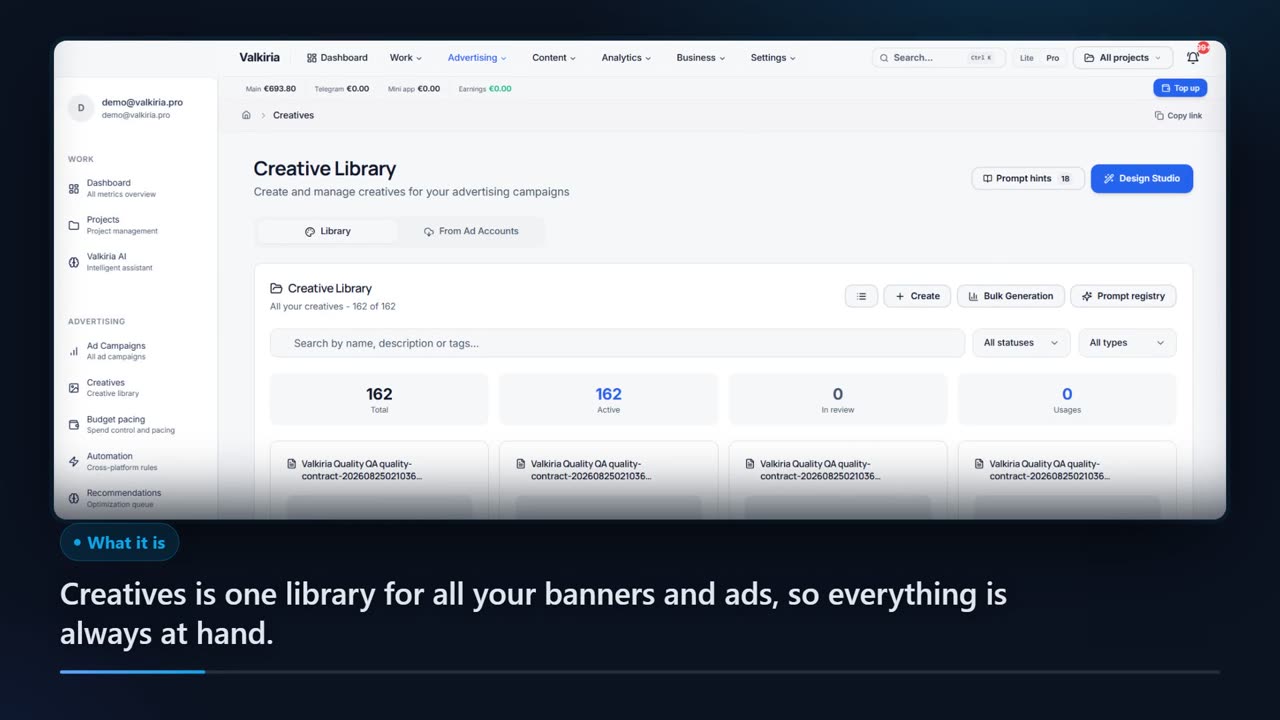
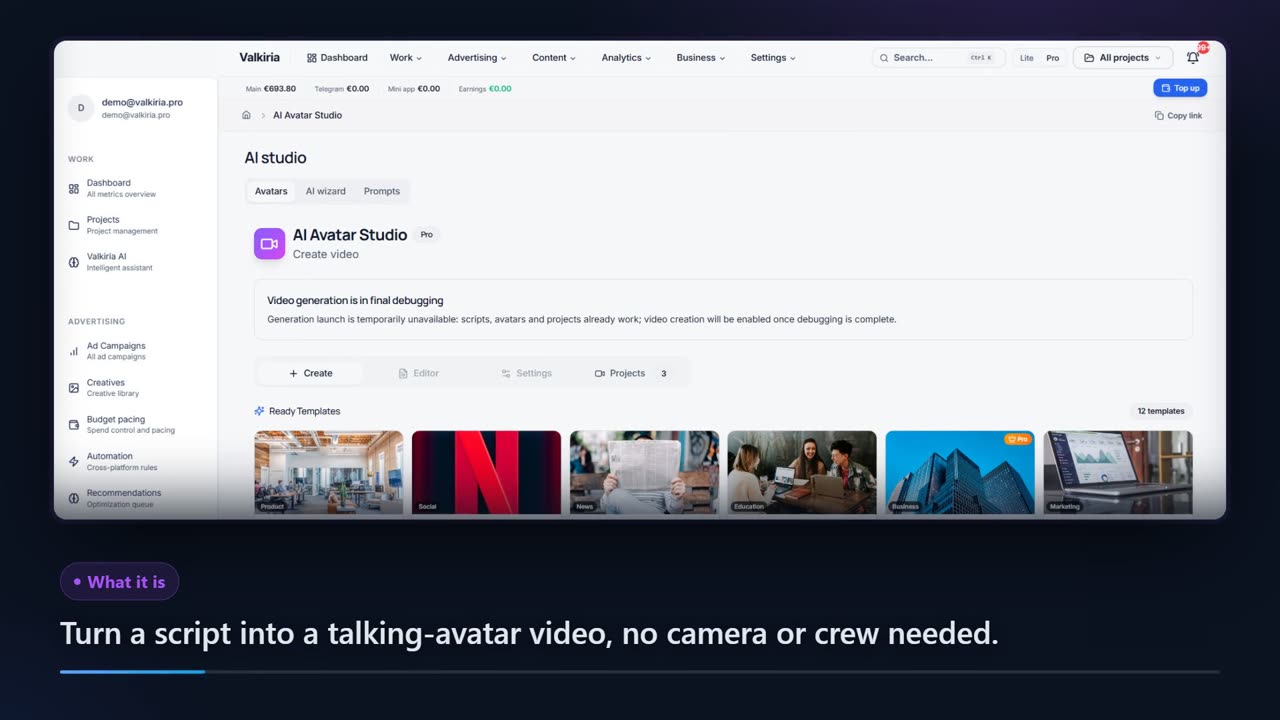
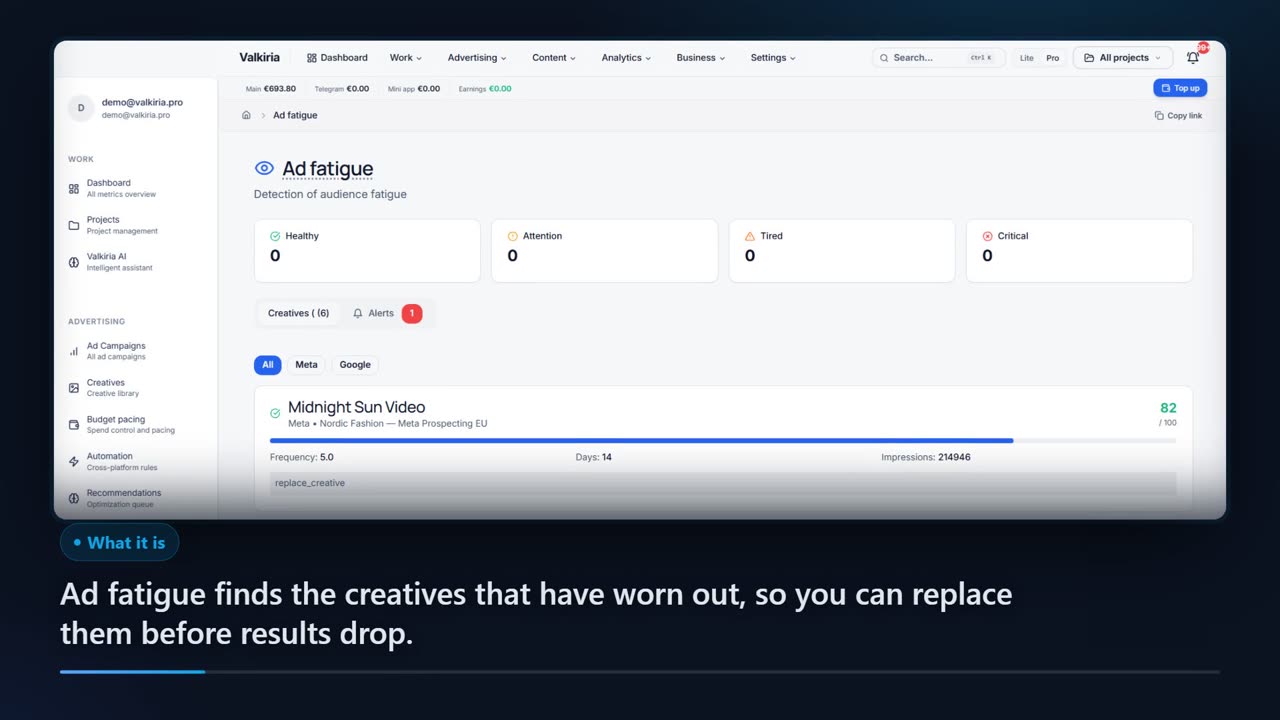
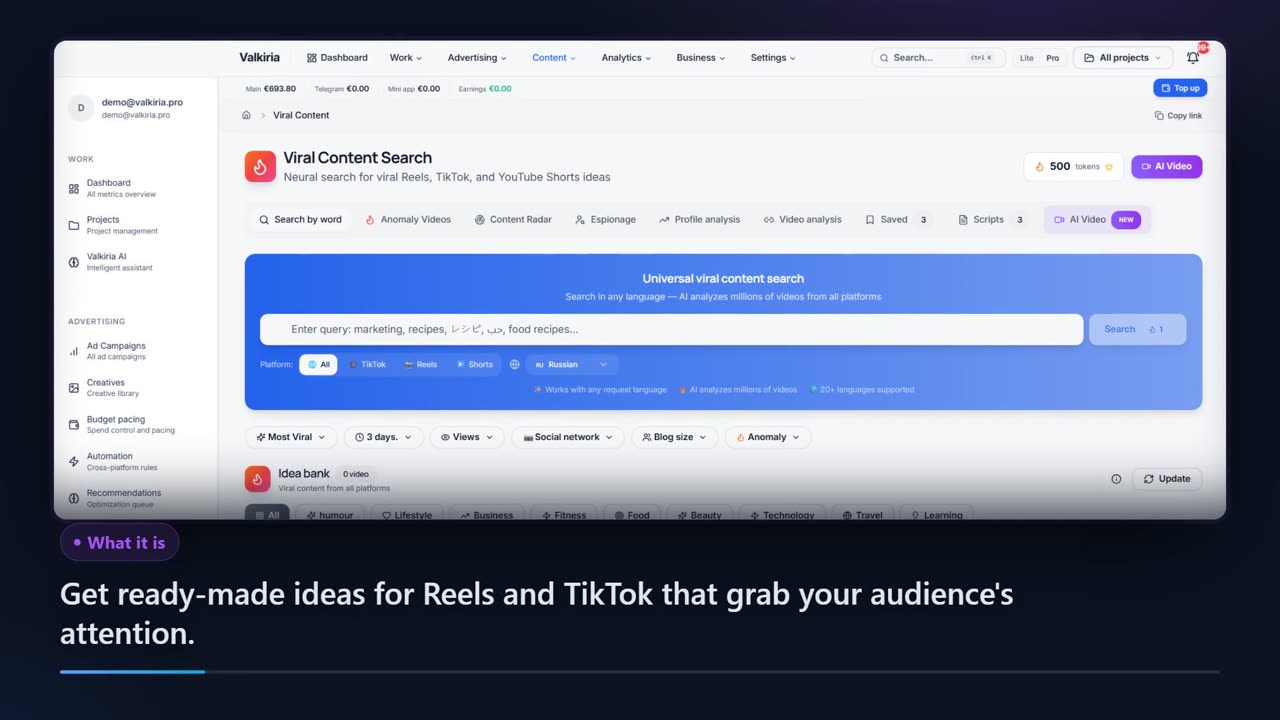
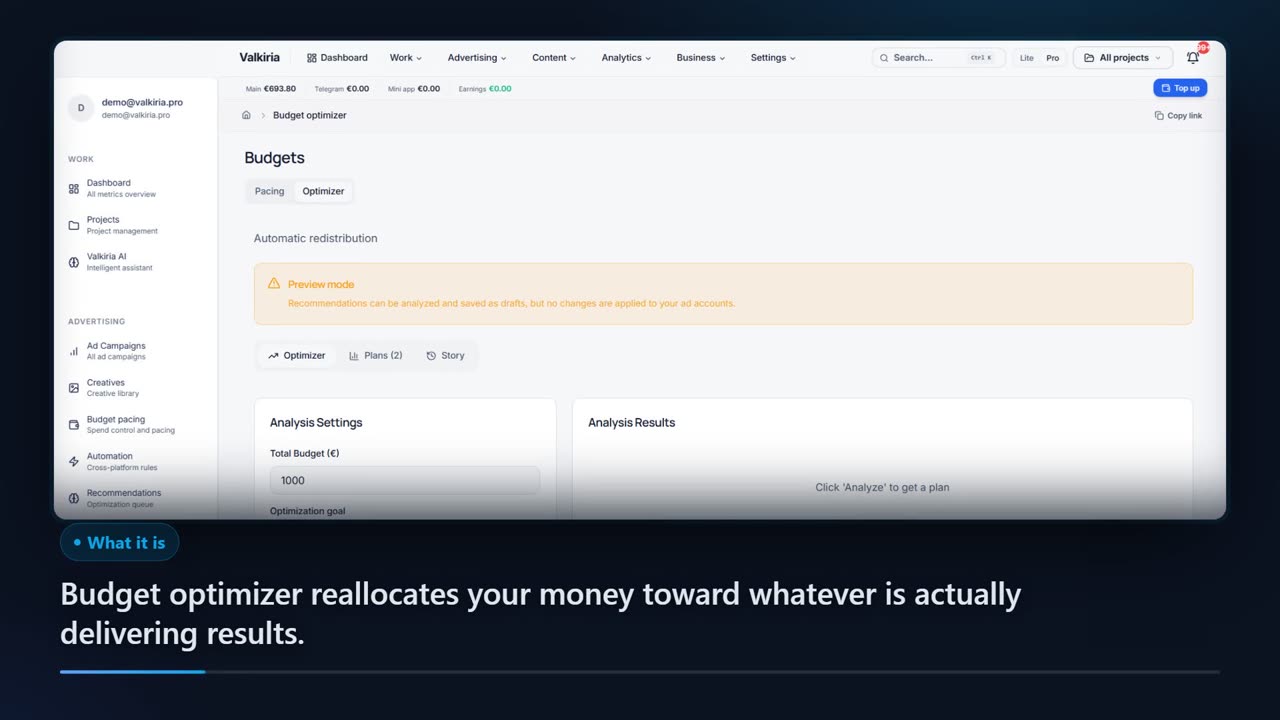
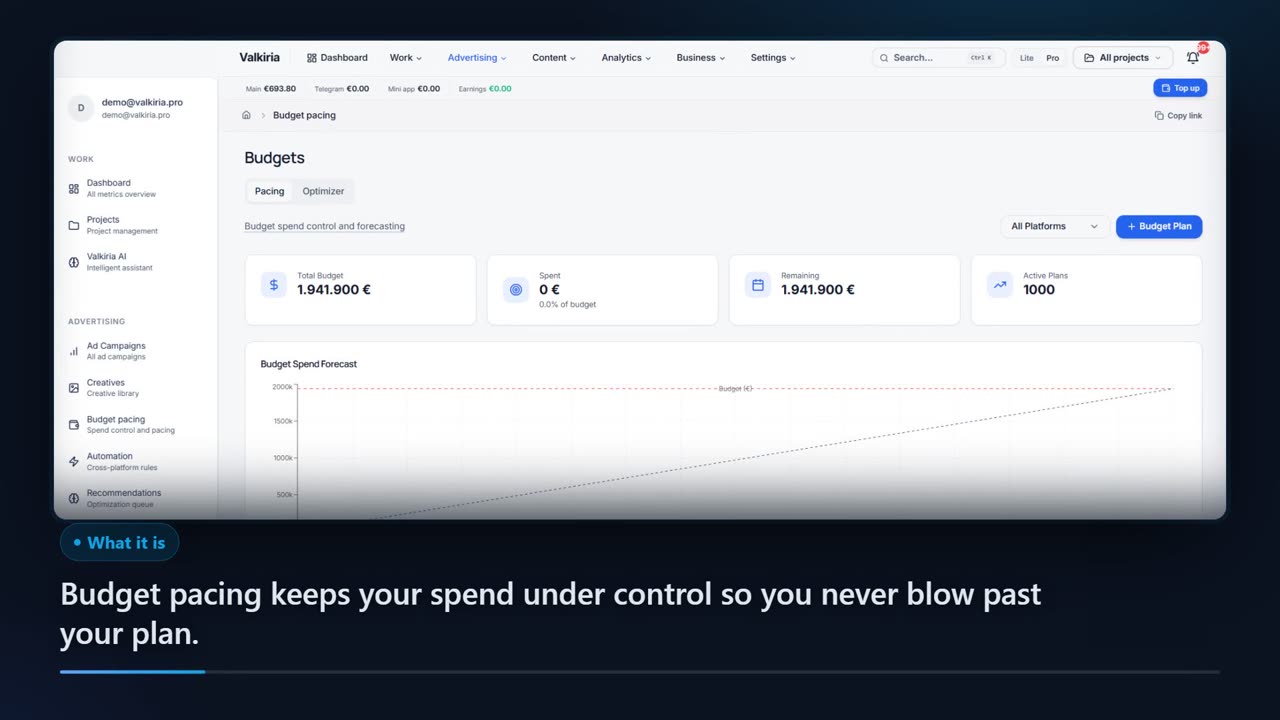
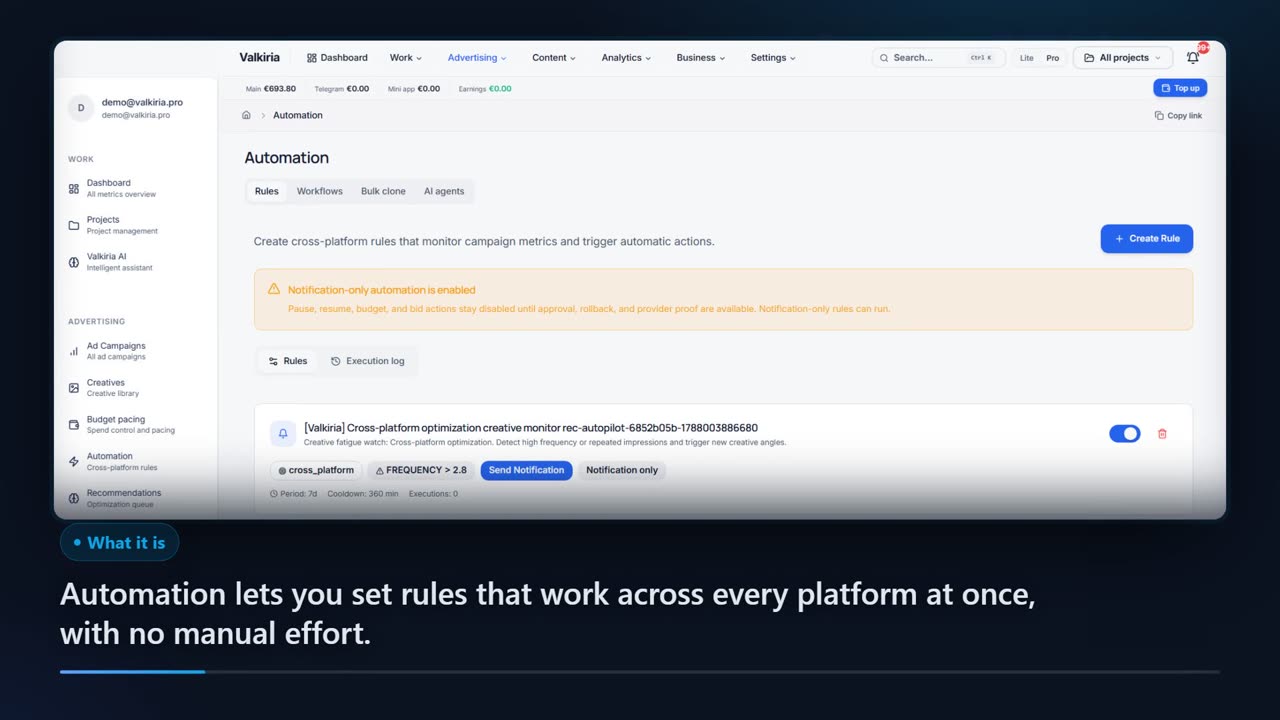
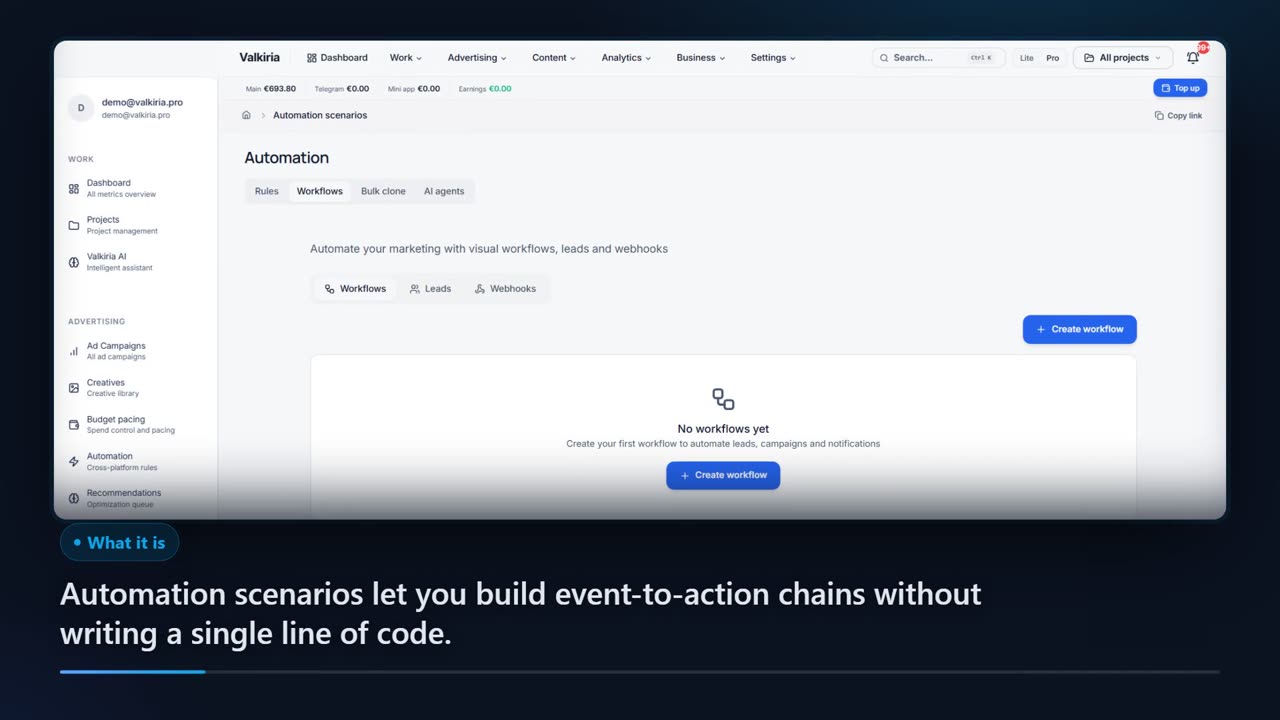
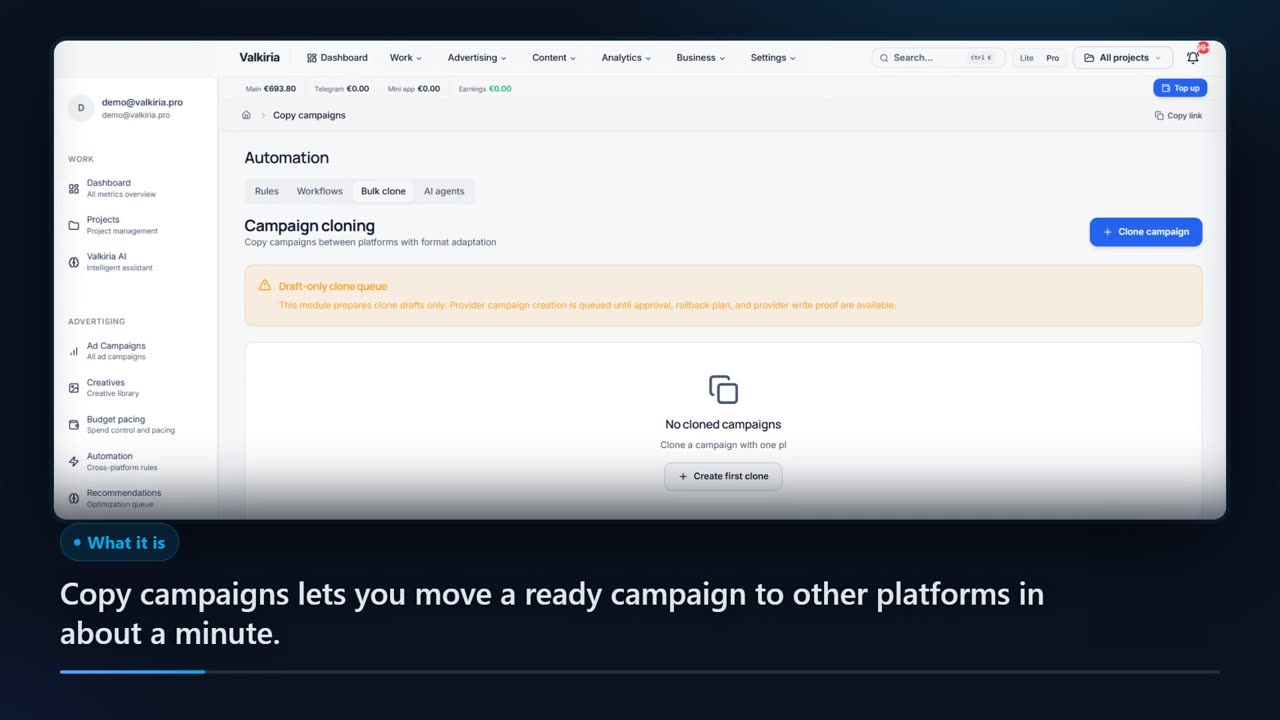
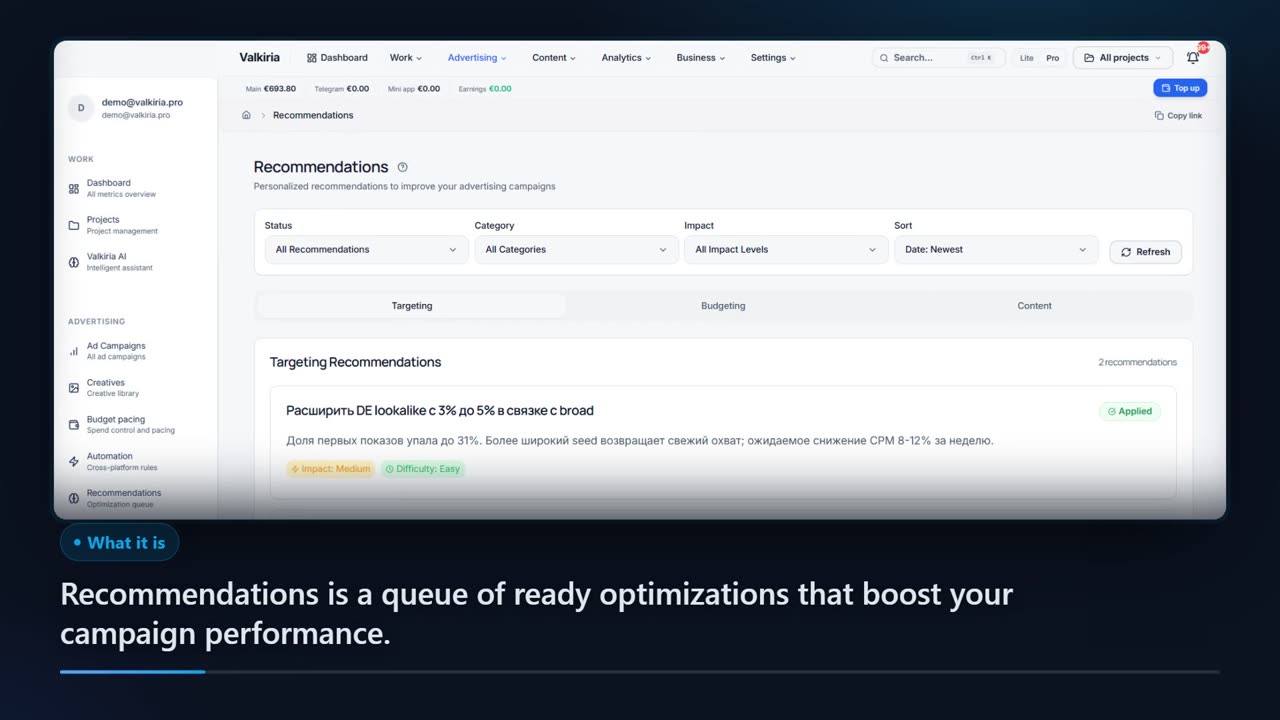
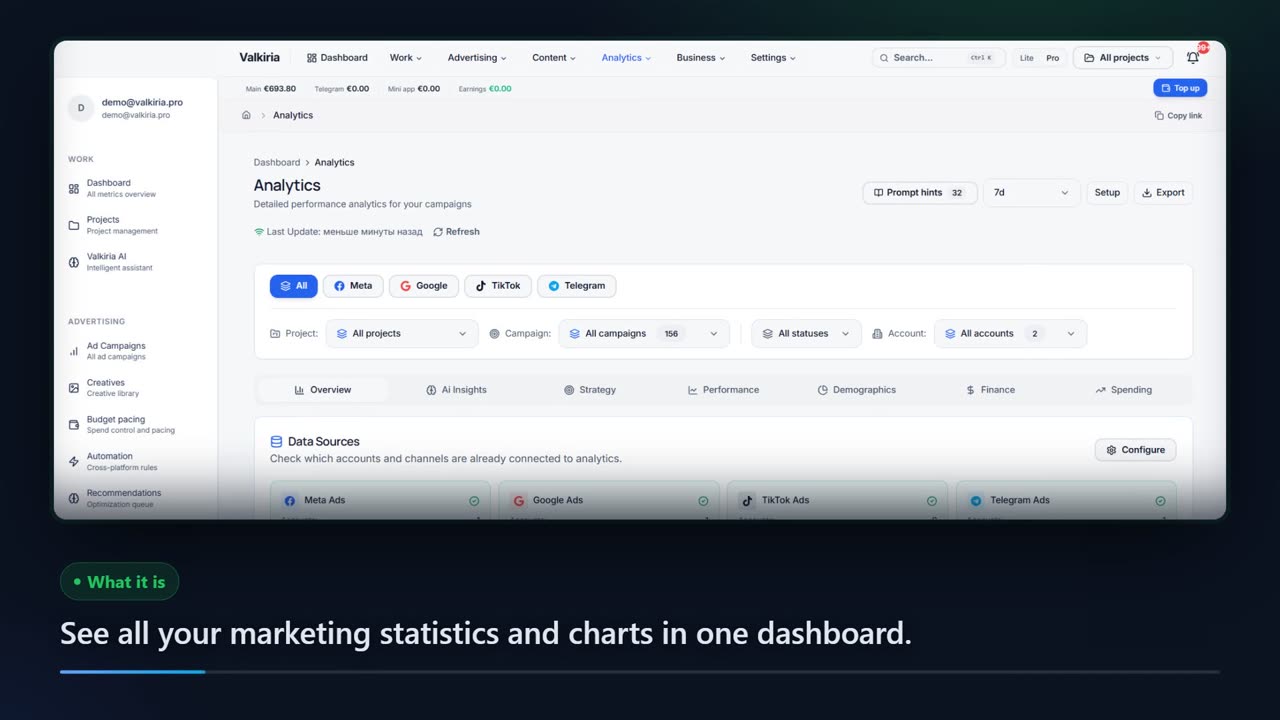
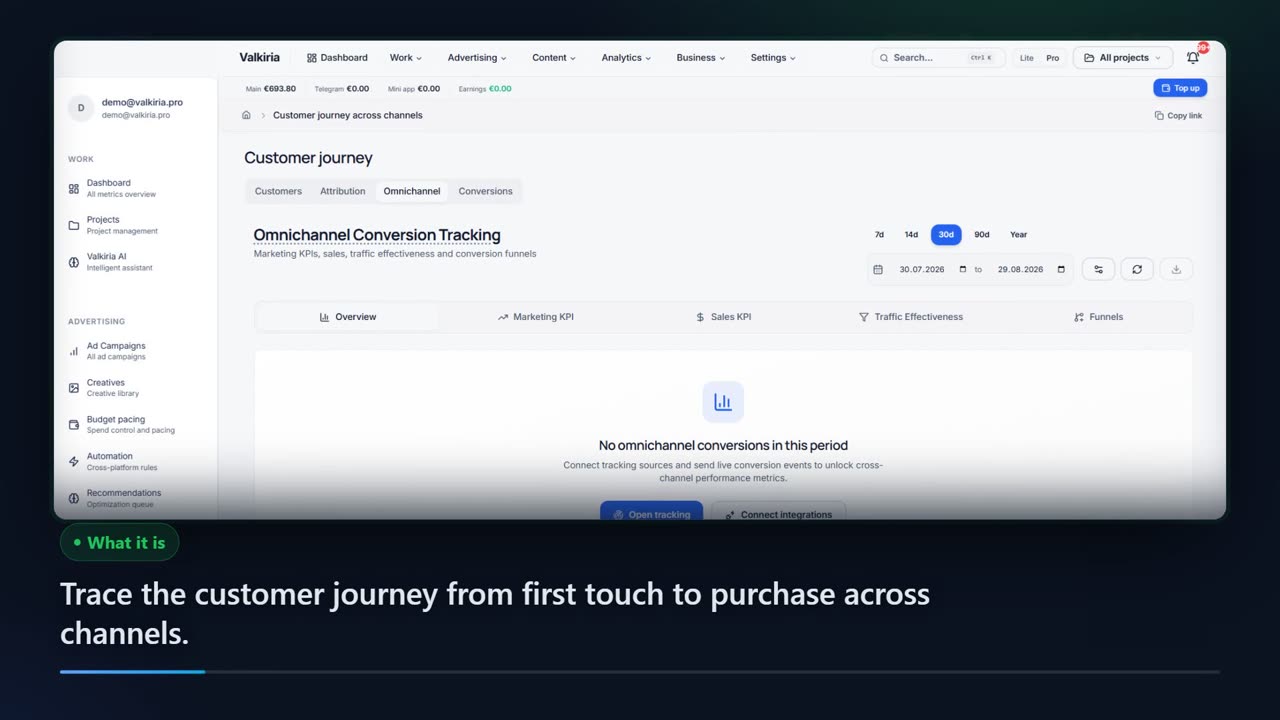
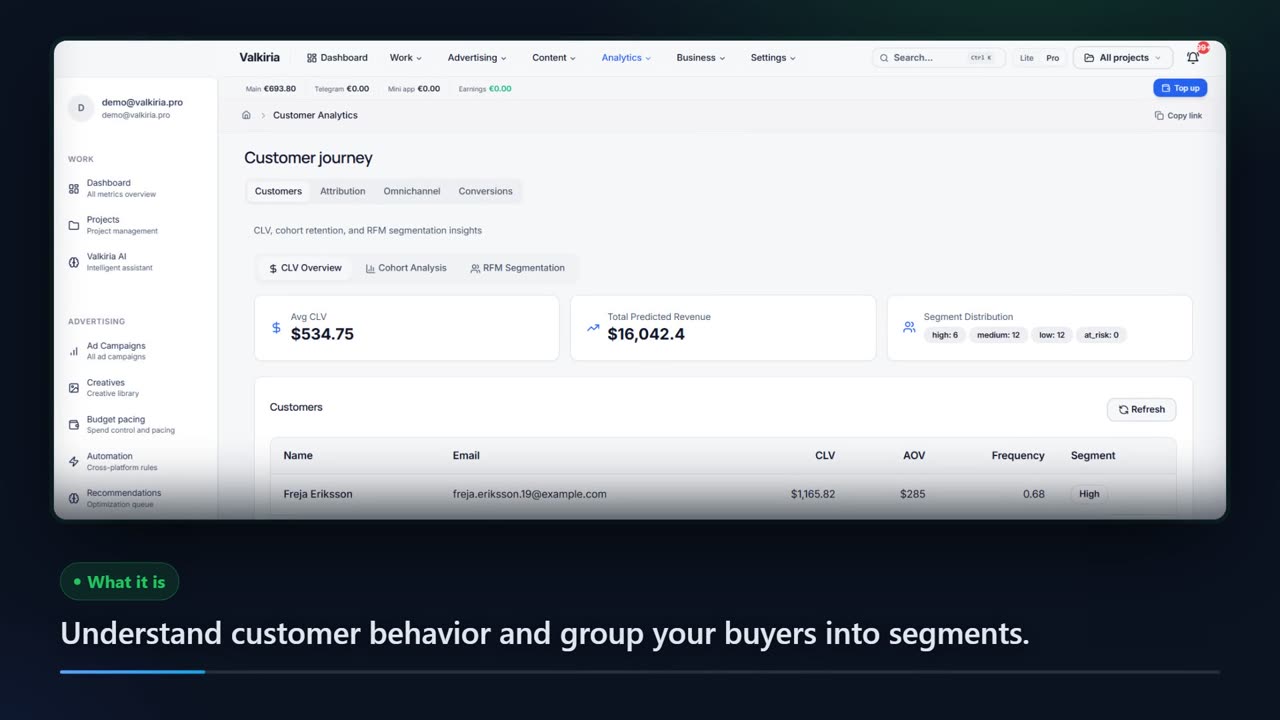
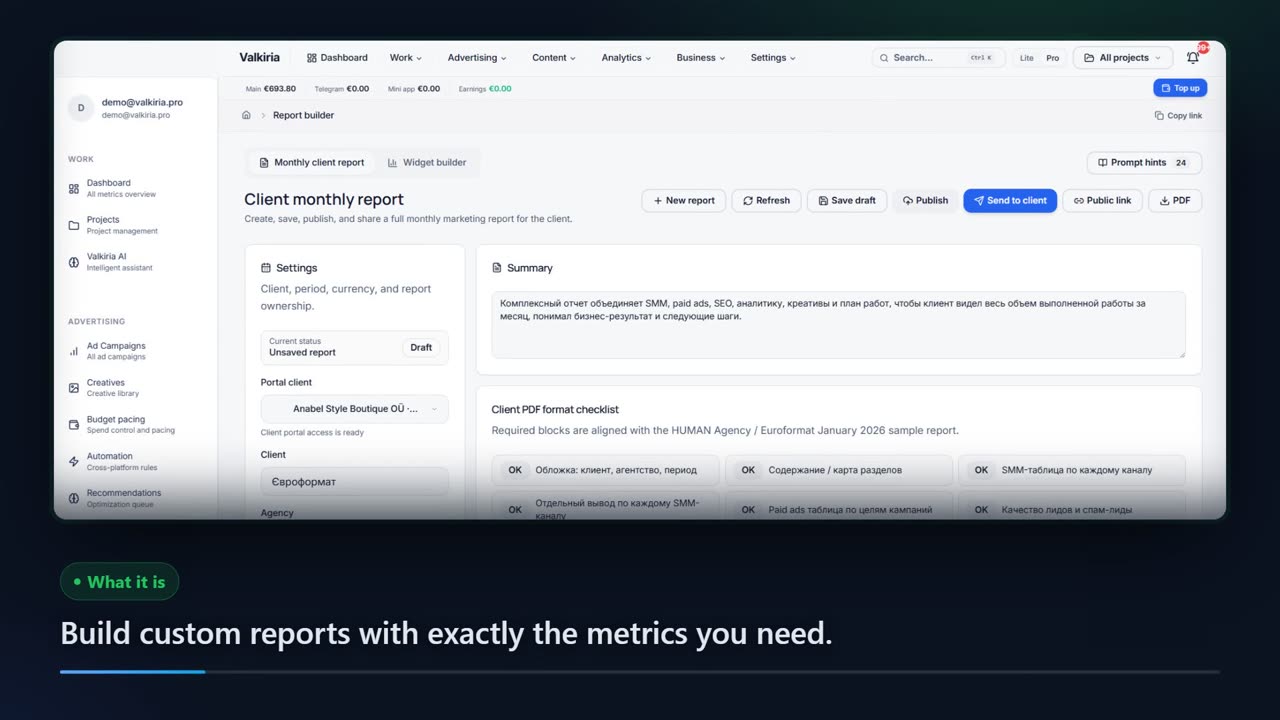
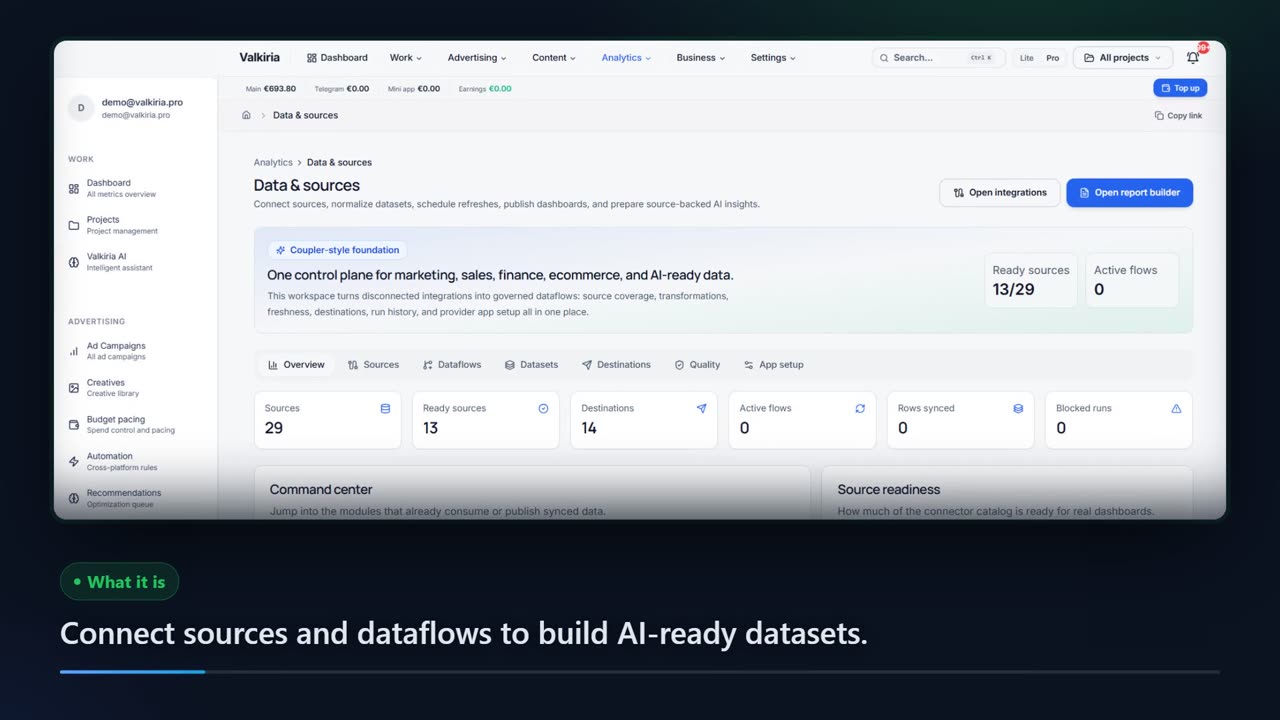
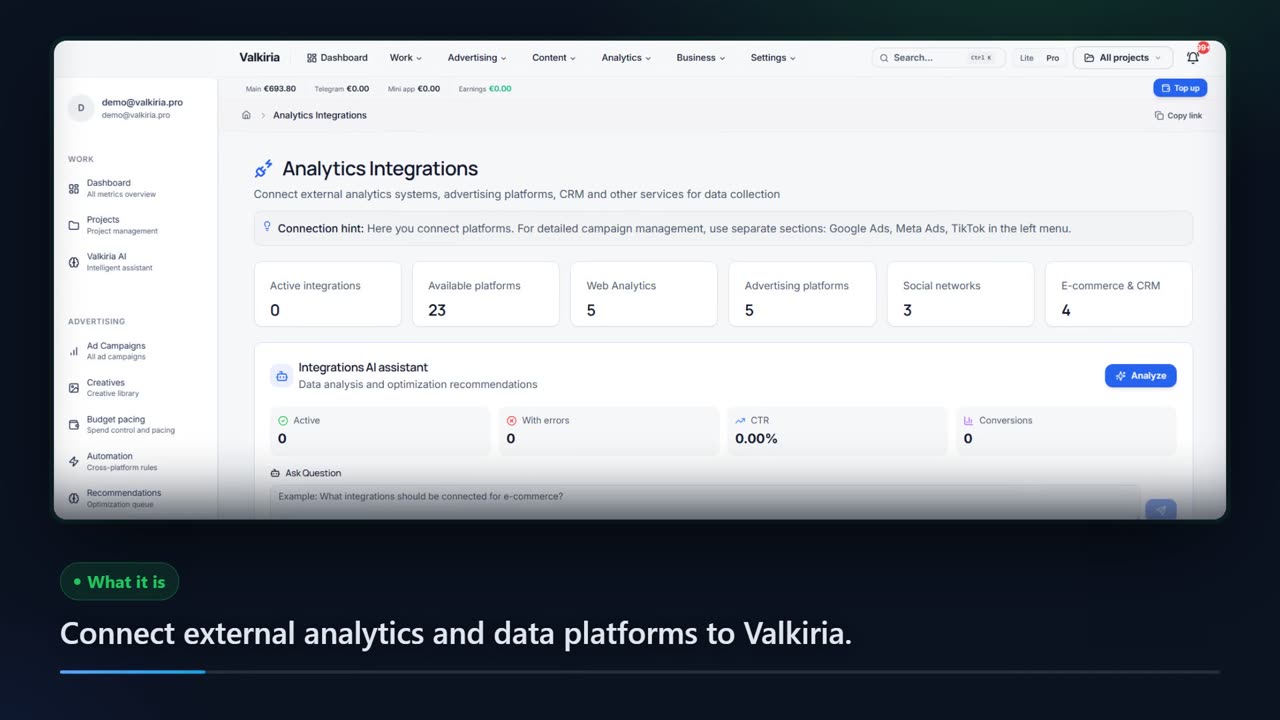
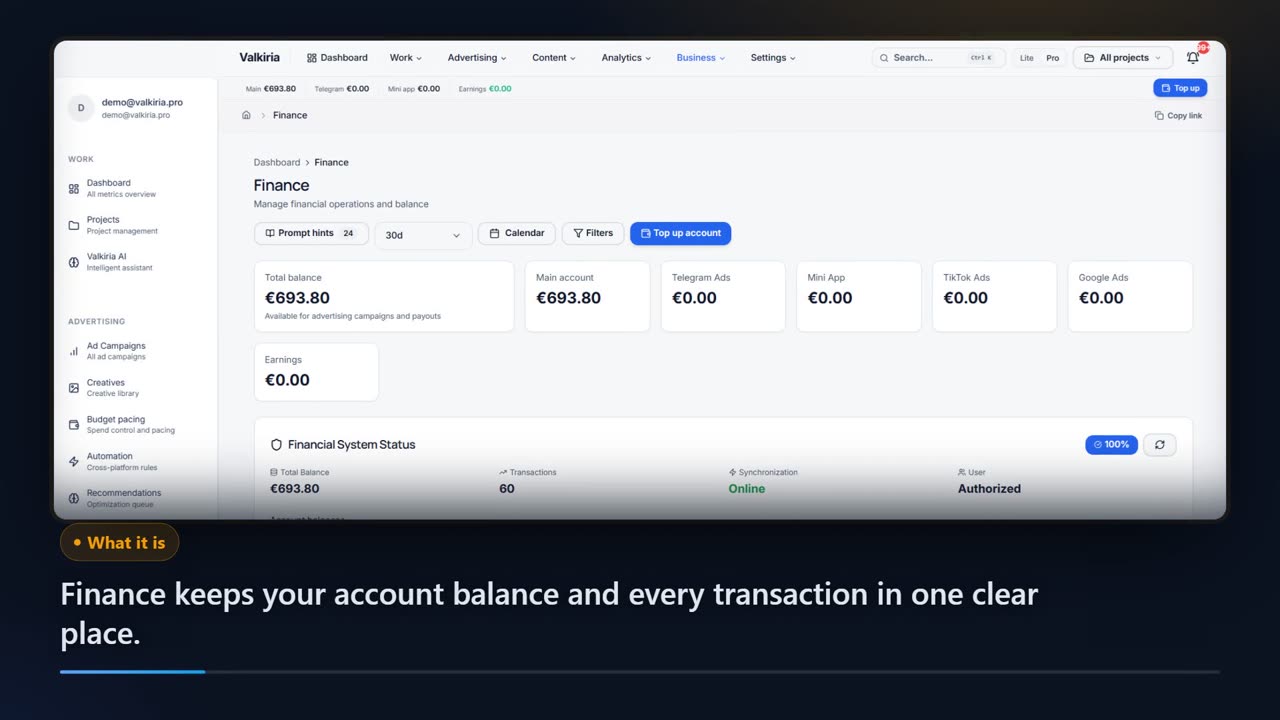
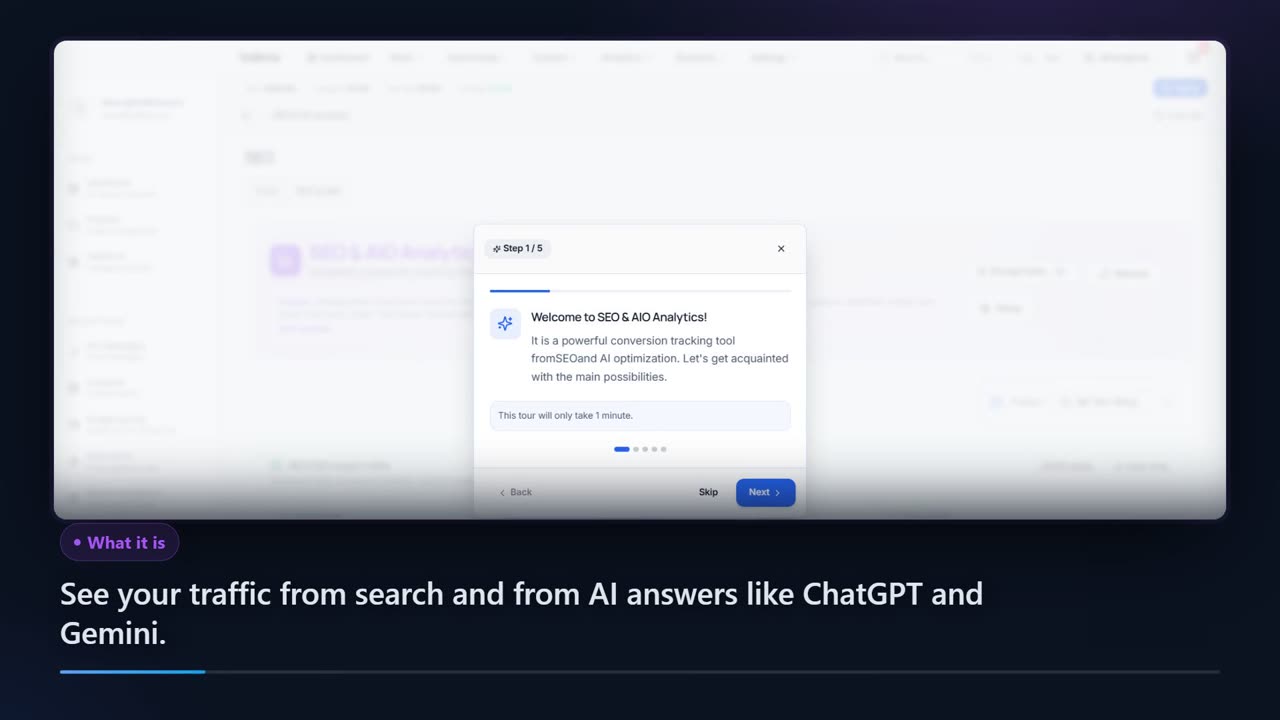
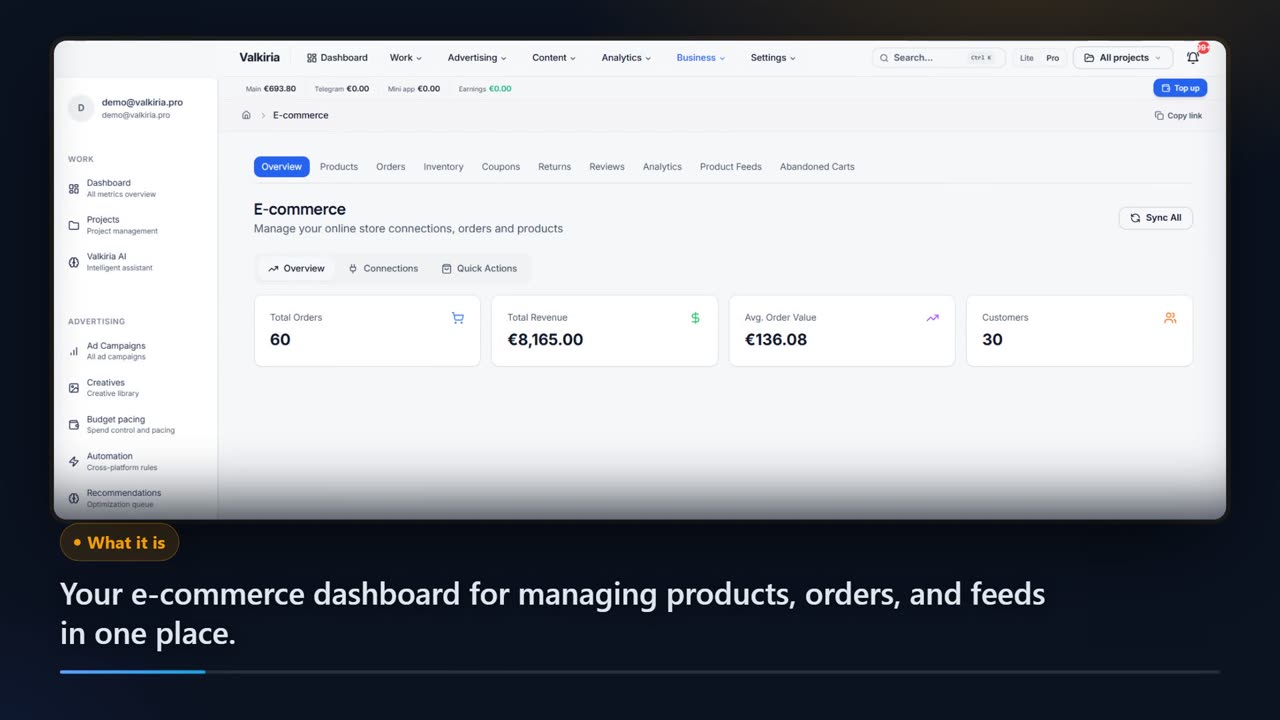
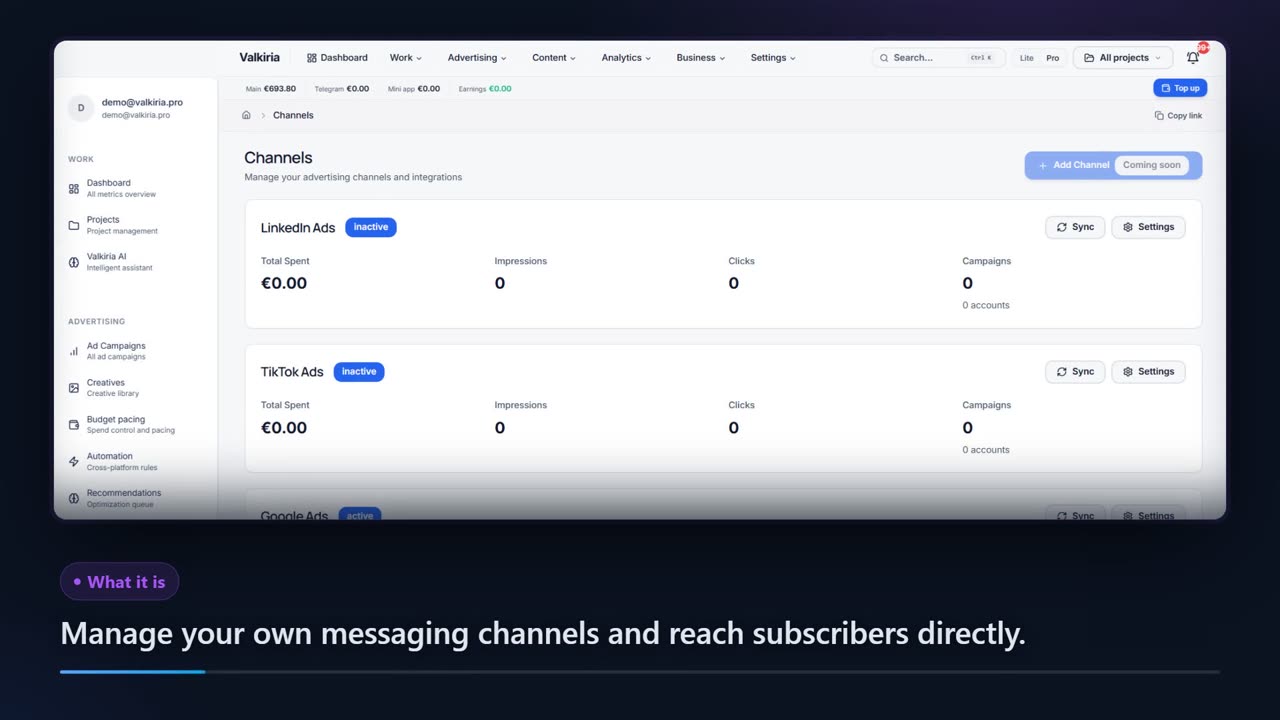
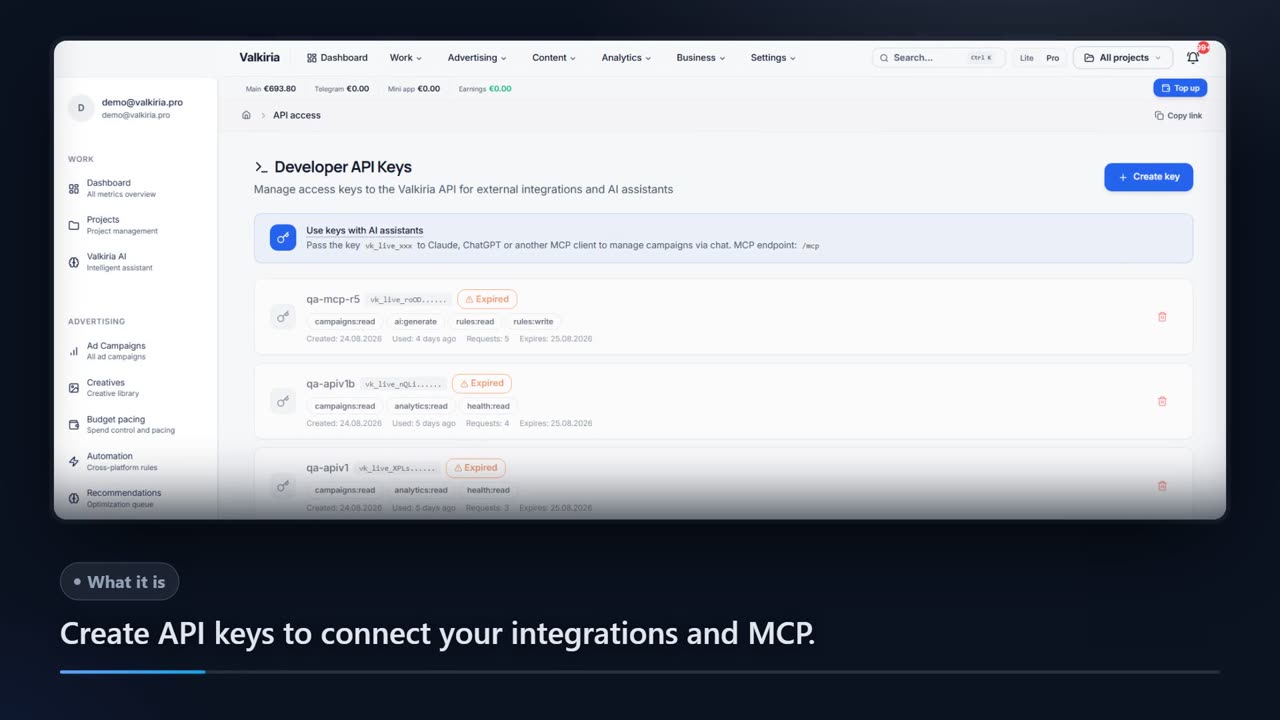
Showing 36 of 36
Who gets what
What each type of client takes away
Same connected data, four ways to put it to work. Pick your role to see the benefits and the modules that deliver them.
What you connect
- Ad accounts
- Analytics
- Website
- Bank & invoices
What Valkiria does
- 01Collect spend and results
- 02Find leaks and gaps
- 03Propose next steps
What you get
- Action plan
- Owner report
- Spend control
See every ad budget and what it returns, without opening five dashboards
Google, Meta, TikTok and the rest in one view, in your currency, with results next to costs.
Findings turn into a prioritised list of next steps with the evidence behind each one.
New campaigns are created paused. Edits to live campaigns stay off until you switch them on for an account; deletions and new spend always wait for approval.
Modules that do the work
FAQ
Frequently Asked Questions
Start here
Ready to Transform Your Advertising?
Explore the workspace, connect supported accounts and review the tools available for your team.