Ubersuggest or Valkiria: SEO research, or SEO next to your ad spend
Ubersuggest is Neil Patel's SEO tool: keyword research, domain and backlink analysis, site audits, rank tracking and AI search visibility. Valkiria works inside your ad accounts and adds an SEO layer beside them: keyword ideas with Google Ads planner volumes, a site audit and Search Console summaries. For deep backlink research, Ubersuggest is the better fit.
Valkiria vs Ubersuggest
Ubersuggest covers keywords, site audits and backlinks. Valkiria puts SEO next to your ad accounts. See where each fits, pricing notes and how to use both.
01What hurts
When a team on Ubersuggest needs something more
SEO and ads live in different places
Ubersuggest shows keyword volume, CPC and paid difficulty, but it does not run campaigns. In Valkiria the same keywords sit next to the Google Ads, Meta and Telegram Ads accounts where the budget is spent.
The research is done and the budget still leaks
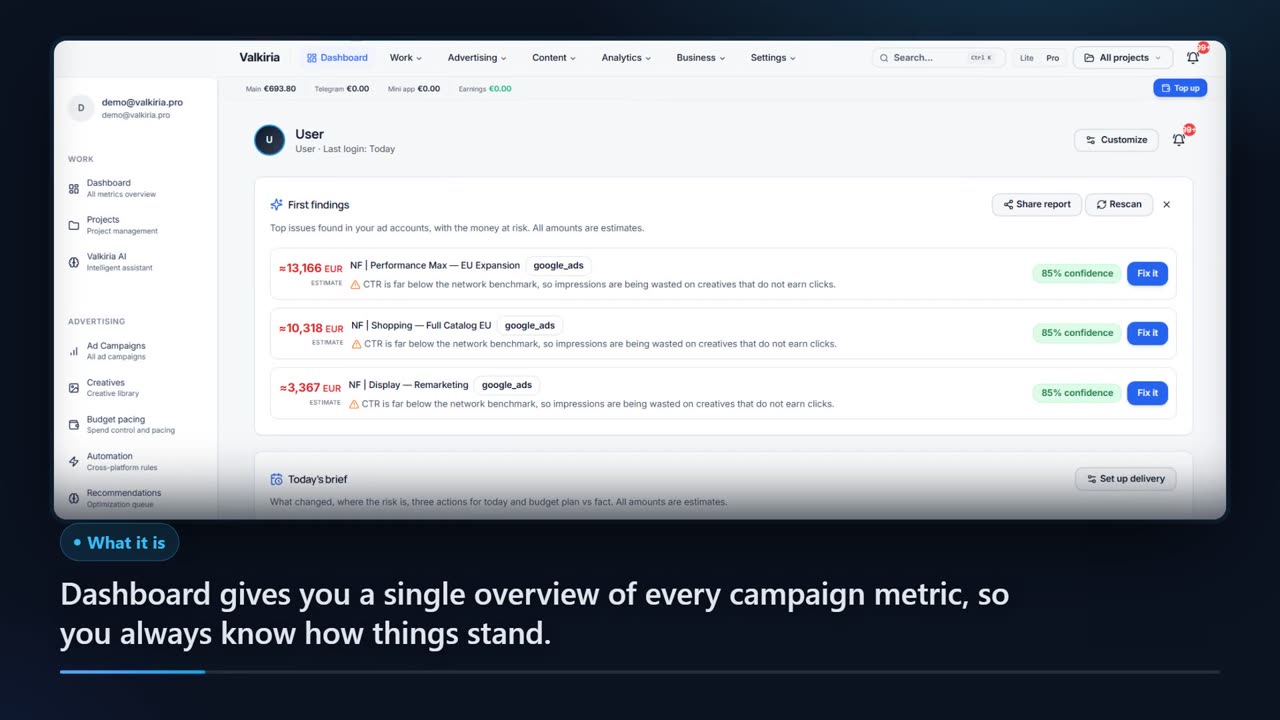
Finding the setting inside your own ad account that wastes money is a different job. That is where Valkiria starts: with an AI audit of wasted budget.
A person must see every change
In Valkiria, new campaigns start paused and live edits stay off until you switch them on for an account.
Scroll to see it work
Valkiria in four moves
- 01Scattered
Without Valkiria, this work is spread across spreadsheets and tabs.
- 02Connected
Valkiria reads the accounts and data you have already connected.
- 03Found
It highlights what matters now, with the evidence behind it.
- 04Approved
You decide what happens next: what applies on its own and what waits for approval.
02How it works
How to try Valkiria alongside Ubersuggest
- 01
Keep Ubersuggest for research
Nothing needs to be switched off. Connect an ad account to Valkiria in read-only mode, so Valkiria cannot change anything in it.
- 02
Set the audit beside your keywords
Run the AI audit of wasted budget and compare it with your Ubersuggest keywords and your Search Console data.
- 03
Turn a finding into a paused draft
Draft a campaign for Google Ads, Meta Ads or Telegram Ads. It is created as PAUSED, and whether it ever goes live is your decision.
03What you get
Where Valkiria differs, and where Ubersuggest is stronger
Three platforms with read and write
Google Ads, Meta Ads and Telegram Ads have native two-way control. The state of other connections is on the public /status page.
01Live edits off by default
New campaigns are created PAUSED. Live edits stay off until you switch them on for an account, and in manual mode every edit waits for your approval.
02Keywords with Google Ads volumes
Valkiria's keyword ideas take volumes from the Google Ads Keyword Planner, so the same list works for SEO and for paid search.
03Site audit and Search Console
A technical site audit, Search Console summaries and history, rank tracking and a blog engine for content sit beside the ad tools.
04Public API and MCP
Valkiria has a public API and an MCP server for AI assistants. Ubersuggest's site also lists connectors for Claude and ChatGPT.
05Where Ubersuggest is the better choice
If your work is SEO: backlink analysis, competitor keywords, content ideas, an AI writer and AI search visibility. Ubersuggest covers this in more depth, and Valkiria does not build its own backlink index.
0604In numbers
- PAUSED
- the status of every new campaign when created
- OFF
- live edits until you switch them on for an account
- 3
- platforms with native two-way control: Google Ads, Meta Ads, Telegram Ads
Who gets what
What each type of client takes away
What you connect
- Ad accounts
- Analytics
- Website
- Bank & invoices
What Valkiria does
- 01Collect spend and results
- 02Find leaks and gaps
- 03Propose next steps
What you get
- Action plan
- Owner report
- Spend control
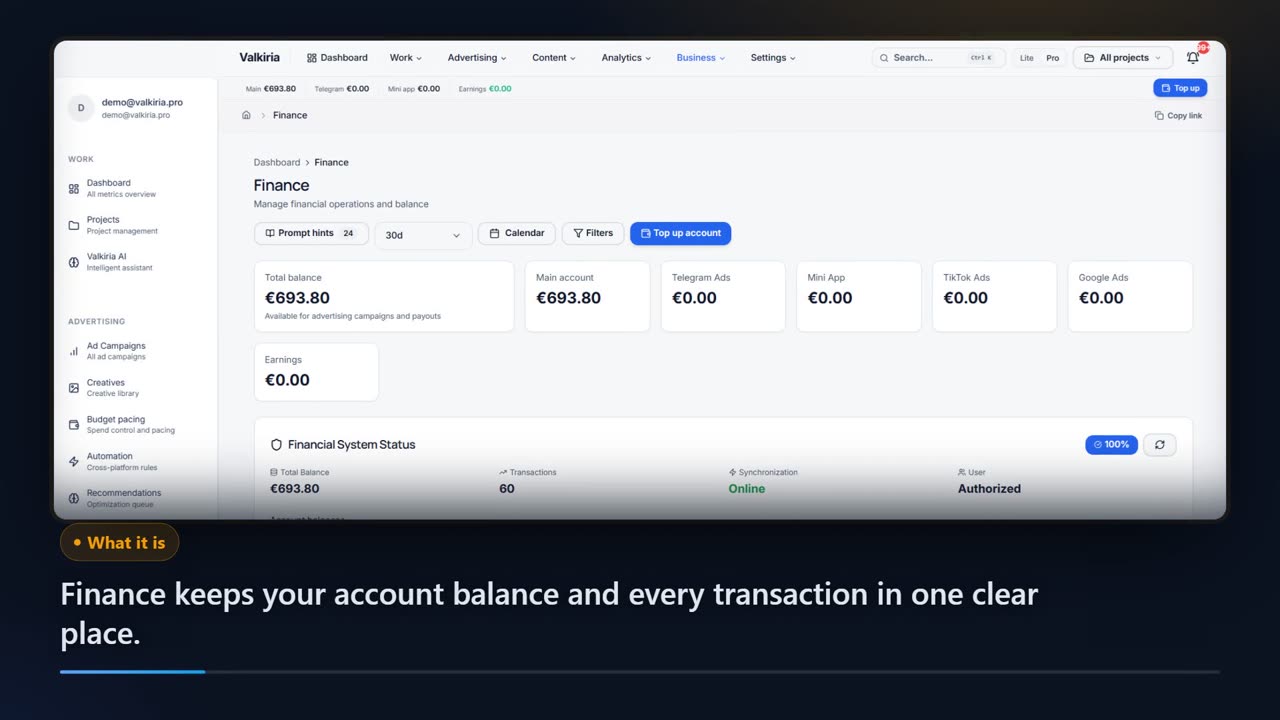
See every ad budget and what it returns, without opening five dashboards
Google, Meta, TikTok and the rest in one view, in your currency, with results next to costs.
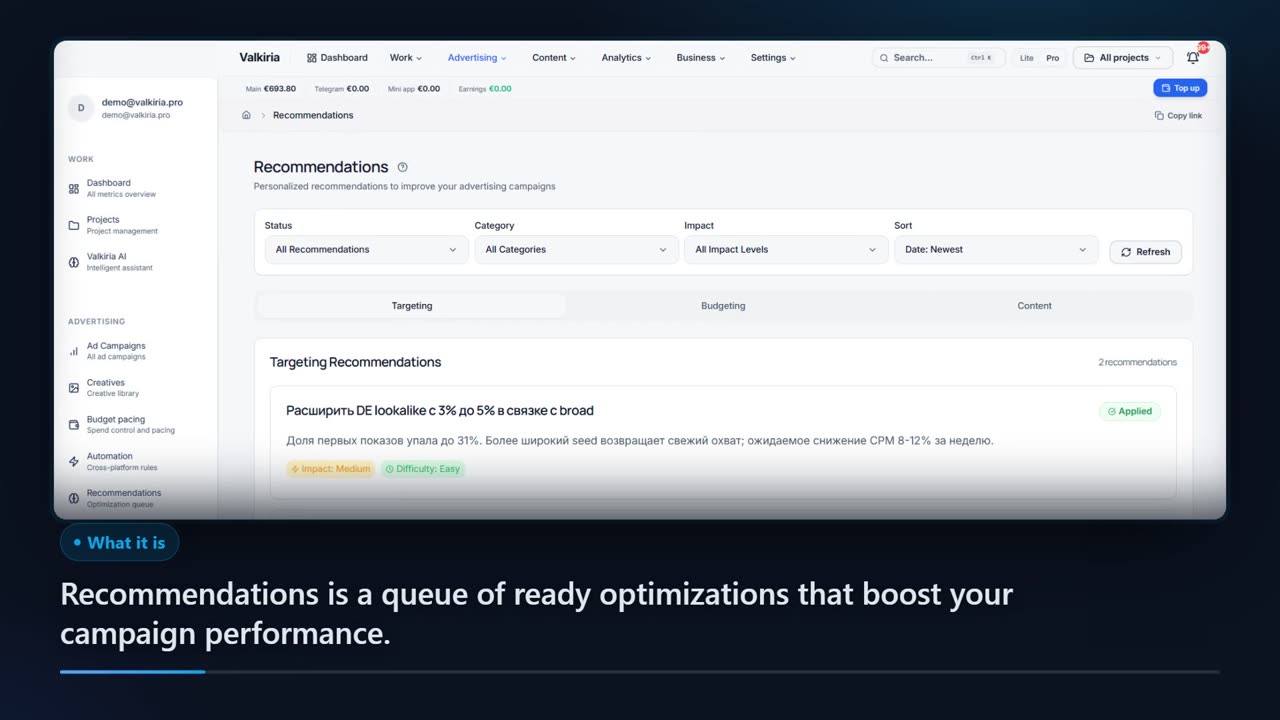
Findings turn into a prioritised list of next steps with the evidence behind each one.
New campaigns are created paused. Edits to live campaigns stay off until you switch them on for an account; deletions and new spend always wait for approval.
Modules that do the work
05FAQ
Questions about Valkiria and Ubersuggest
06See also
All modulesStart now
Take a second look at your ad account
You can keep Ubersuggest. Start in read-only mode and decide whether anything needs to change.