Sprout Social or Valkiria: social channels or ad budgets
Sprout Social helps teams plan posts, reply from a shared inbox and listen to social conversations. Valkiria works with Google Ads, Meta Ads and Telegram Ads accounts, and posting is one module inside it. Live edits stay off until you switch them on. This page shows which fits your team and how to try Valkiria without switching anything off.
Valkiria vs Sprout Social
Sprout Social is built for social teams. Valkiria manages Google Ads, Meta Ads and Telegram Ads with edits you approve. Pricing and fit, compared honestly.
01What hurts
When a team on Sprout Social looks for something else
Most of your work is ad budgets
Sprout Social's feature pages describe boosting Facebook posts, audience targeting for Facebook and LinkedIn, and paid performance reporting for social ads. Google Ads is not mentioned. If your budget goes to Google or Telegram, you will need another tool.
Pricing is per seat
Sprout Social's pricing page lists plans per seat per month, and social listening is sold as an add-on to Standard and above. A small team that mostly needs ad control plus basic posting may not need the full suite.
You want ongoing free access
Sprout Social offers a 30-day free trial with no credit card. If you want a tool to keep for occasional account checks, compare that with Valkiria's free plan.
Scroll to see it work
Valkiria in four moves
- 01Scattered
Without Valkiria, this work is spread across spreadsheets and tabs.
- 02Connected
Valkiria reads the accounts and data you have already connected.
- 03Found
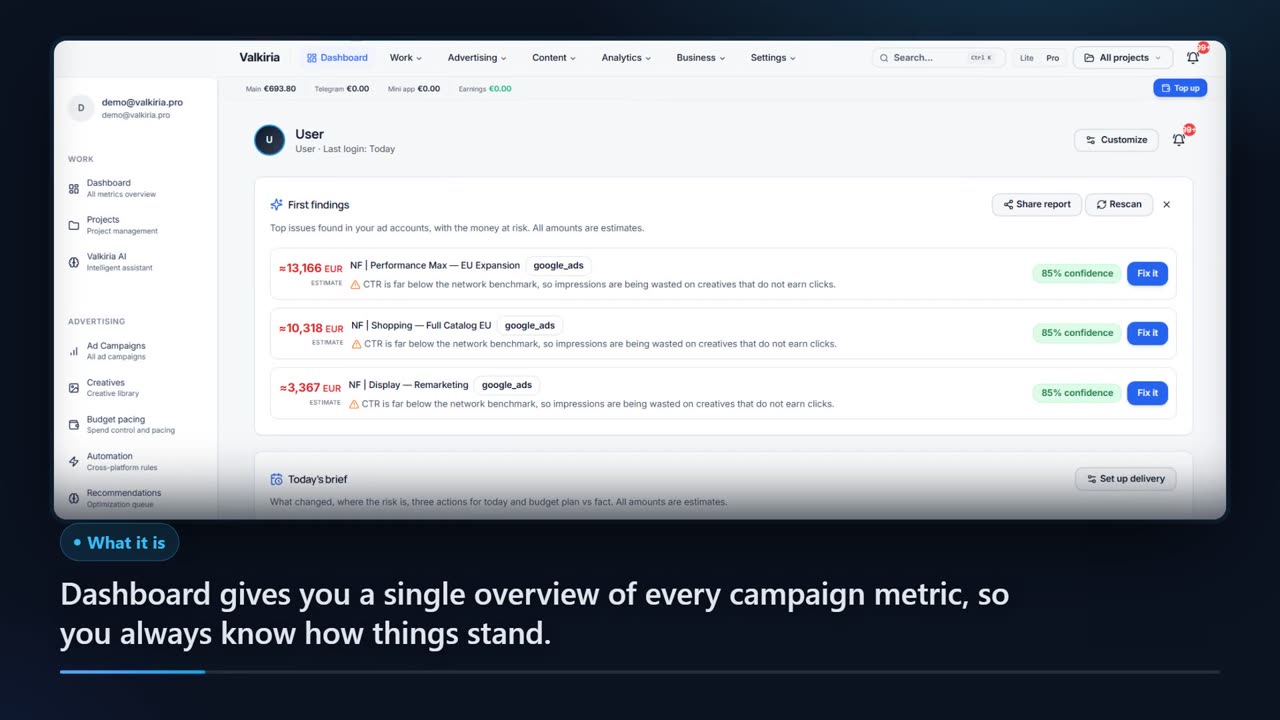
It highlights what matters now, with the evidence behind it.
- 04Approved
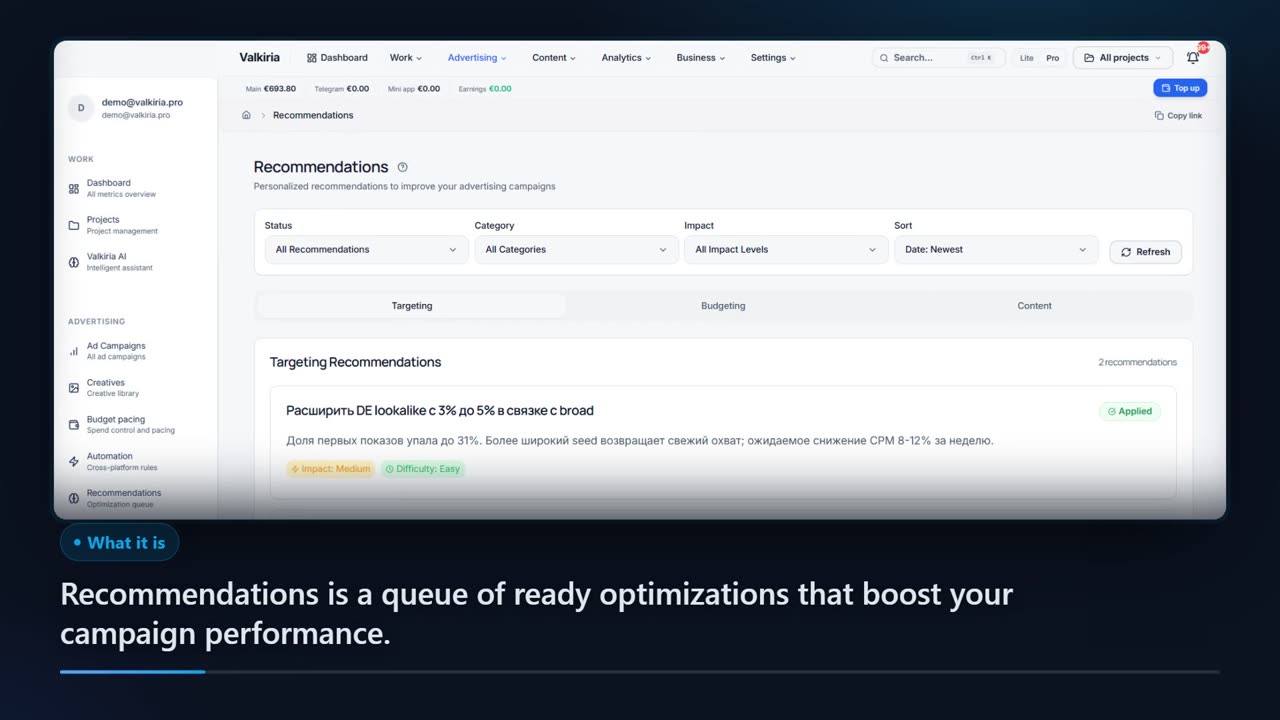
You decide what happens next: what applies on its own and what waits for approval.
02How it works
How to try Valkiria alongside Sprout Social
- 01
Leave Sprout Social as it is
Nothing needs to be switched off. Connect an ad account to Valkiria in read-only mode, so Valkiria cannot change anything in it.
- 02
Look at the ads side
Run the AI audit of wasted budget and check your pixel and Conversions API. That is work Sprout Social does not cover.
- 03
Decide where to post
If basic posting is enough, try the SMM module. If you need the shared inbox and listening, keep publishing in Sprout Social.
03What you get
Where Valkiria differs, and where Sprout Social is stronger
Three platforms with read and write
Google Ads, Meta Ads and Telegram Ads have native two-way control. ChatGPT Ads is read-only. TikTok, LinkedIn, Reddit, Microsoft, Pinterest, X and Snapchat are being connected, with current state on the public /status page.
01Live edits off by default
New campaigns are created PAUSED. Live edits stay off until you switch them on for an account, and you choose how much needs your approval: in manual mode, every edit waits for it. A read-only mode is also available.
02Audit and signal checks
The AI audit shows where budget is being wasted, and pixel and Conversions API checks help you find problems with conversion data.
03Posting as one module
The SMM module publishes and schedules posts to 9 networks through their own APIs, with a calendar, recurring posts and a status per destination. It is a publishing tool, not a full social suite.
04Public API and MCP
Valkiria has a public API and an MCP server for AI assistants. An assistant can read campaigns and analytics, and the changes it proposes still wait for the owner's approval.
05Where Sprout Social is the better choice
If social media itself is the team's main job: a shared calendar for many people, a Smart Inbox for messages, comments and reviews, listening, post approval workflows, and SSO setup on Enterprise.
0604In numbers
- PAUSED
- the status of every new campaign when created
- OFF
- live edits until you switch them on for an account
- 9
- networks the SMM module publishes to directly
Who gets what
What each type of client takes away
What you connect
- Ad accounts
- Analytics
- Website
- Bank & invoices
What Valkiria does
- 01Collect spend and results
- 02Find leaks and gaps
- 03Propose next steps
What you get
- Action plan
- Owner report
- Spend control
See every ad budget and what it returns, without opening five dashboards
Google, Meta, TikTok and the rest in one view, in your currency, with results next to costs.
Findings turn into a prioritised list of next steps with the evidence behind each one.
New campaigns are created paused. Edits to live campaigns stay off until you switch them on for an account; deletions and new spend always wait for approval.
Modules that do the work
05FAQ
Questions about Valkiria and Sprout Social
06See also
All modulesStart now
Take a second look at your ad accounts
You can keep Sprout Social running. Start in read-only mode and decide whether anything needs to change.