AdCreative.ai or Valkiria: the creative or the whole account
AdCreative.ai describes itself as an AI tool for advertising: creatives, copy, product photoshoots, video and creative scoring before launch. In Valkiria, Design Studio makes the creatives, while the core work is Google Ads, Meta Ads and Telegram Ads accounts: audits, campaigns and edits you approve. This page helps you decide and try Valkiria without switching anything off.
Valkiria vs AdCreative.ai
AdCreative.ai generates ad creatives. Valkiria also runs Google Ads, Meta Ads and Telegram Ads accounts with edits you approve. An honest comparison.
01What hurts
When a team on AdCreative.ai looks for something else
The creative is ready, the budget still leaks
AdCreative.ai's pages focus on making, scoring and analysing creatives. If your question is where an account wastes money and what is wrong with conversion tracking, you also need a tool for the campaigns themselves.
Work runs on credits
AdCreative.ai says trial users get 20 credits to generate assets, and its Starter, Professional, Ultimate and Enterprise plans are billed monthly, quarterly or yearly. If you only need creatives now and then, compare that with Valkiria's free plan.
You want the finished image checked
In Valkiria's Design Studio a vision model inspects the finished pixels: rendered text, artefacts, the safe area. For teams burned by garbled lettering, that can matter more than the number of variants.
Scroll to see it work
Valkiria in four moves
- 01Scattered
Without Valkiria, this work is spread across spreadsheets and tabs.
- 02Connected
Valkiria reads the accounts and data you have already connected.
- 03Found
It highlights what matters now, with the evidence behind it.
- 04Approved
You decide what happens next: what applies on its own and what waits for approval.
02How it works
How to try Valkiria alongside AdCreative.ai
- 01
Leave AdCreative.ai as it is
Nothing needs to be switched off. Connect an ad account to Valkiria in read-only mode, so Valkiria cannot change anything in it.
- 02
Check the account
Run the AI audit of wasted budget and check your pixel and Conversions API, where your creatives are going to run.
- 03
Compare the creatives
Build a banner set in Design Studio from a landing page URL and put it beside what AdCreative.ai produces.
03What you get
Where Valkiria differs, and where AdCreative.ai is stronger
Three platforms with read and write
Google Ads, Meta Ads and Telegram Ads have native two-way control. ChatGPT Ads is read-only. TikTok, LinkedIn, Reddit, Microsoft, Pinterest, X and Snapchat are being connected, with current state on the public /status page.
01Live edits off by default
New campaigns are created PAUSED. Live edits stay off until you switch them on for an account, and you choose how much needs your approval: in manual mode, every edit waits for it. A read-only mode is also available.
02Audit and signal checks
The AI audit shows where budget is being wasted, and pixel and Conversions API checks help you find problems with conversion data.
03A check on the actual pixels
The vision model reads the text rendered in the image and looks for anatomy defects, watermarks and artefacts. With no provider key the review reports «unavailable», never «passed».
04Exact platform formats
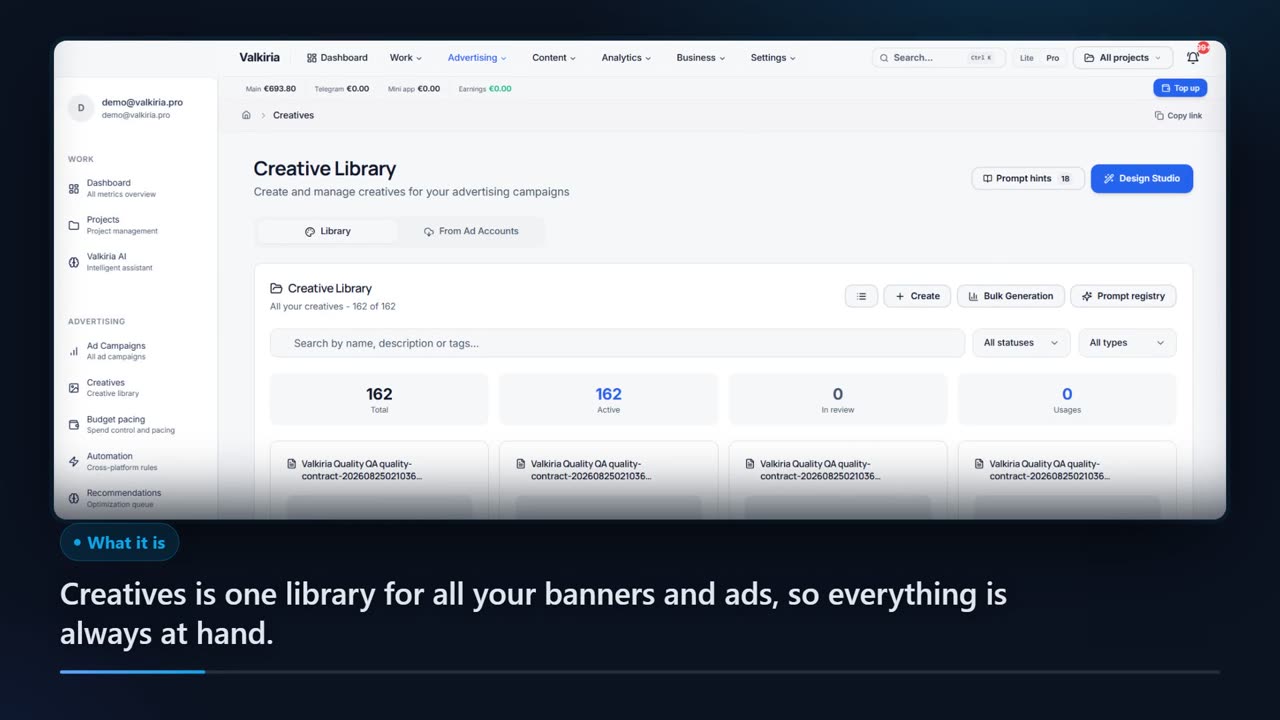
A size catalogue for Meta, Google, TikTok, Telegram and YouTube: from 1080×1080 and 1080×1920 to 728×90 and 300×250, with the recommended ones marked.
05Where AdCreative.ai is the better choice
If what you need most is many creatives fast: banners, copy, product photoshoots, video from product photos, creative scoring before launch, competitor creative analysis and pushing assets to ad accounts.
0604In numbers
- PAUSED
- the status of every new campaign when created
- OFF
- live edits until you switch them on for an account
- 5
- ad platforms with their exact layout sizes
Who gets what
What each type of client takes away
What you connect
- Social accounts
- Briefs & ideas
- Website
- Analytics
What Valkiria does
- 01Plan one calendar
- 02Draft copy and visuals
- 03Measure per network
What you get
- Publishing queue
- Ready creatives
- Content report
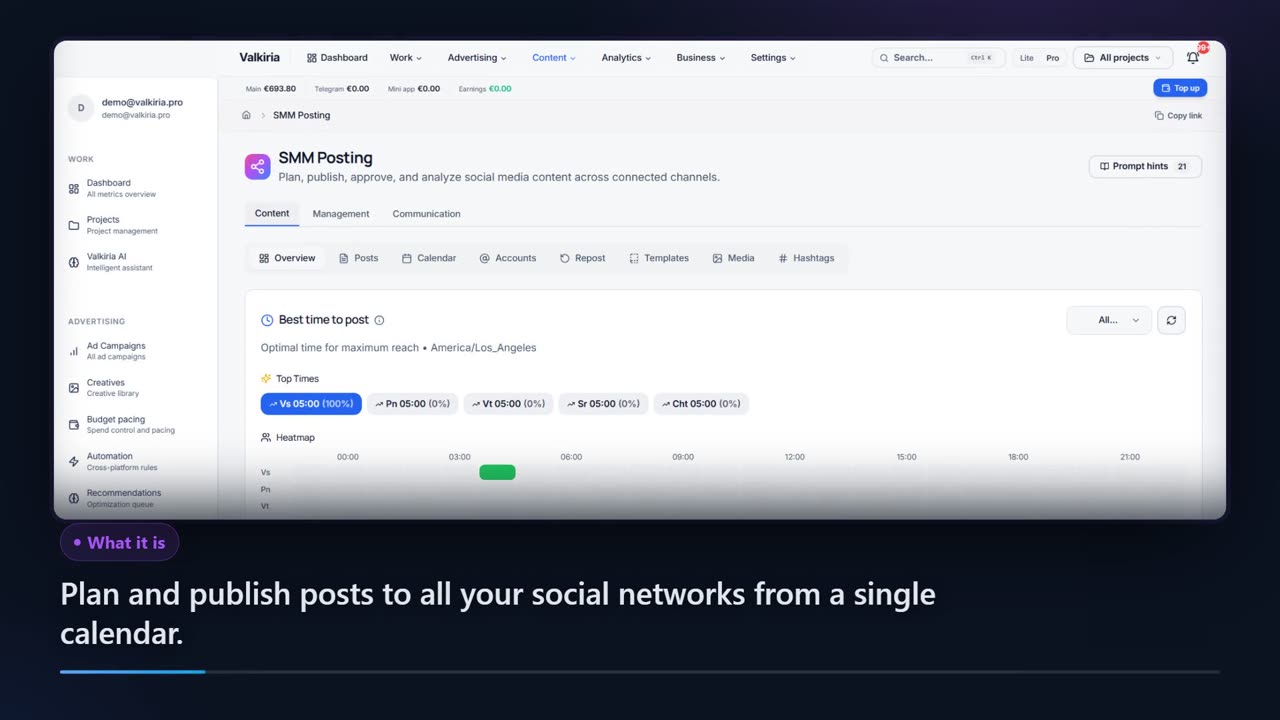
Plan, publish and measure across networks from one calendar
Publish through the official APIs of each network, no aggregator in between.
AI drafts text and composes banners from a brief, in the language of the audience.
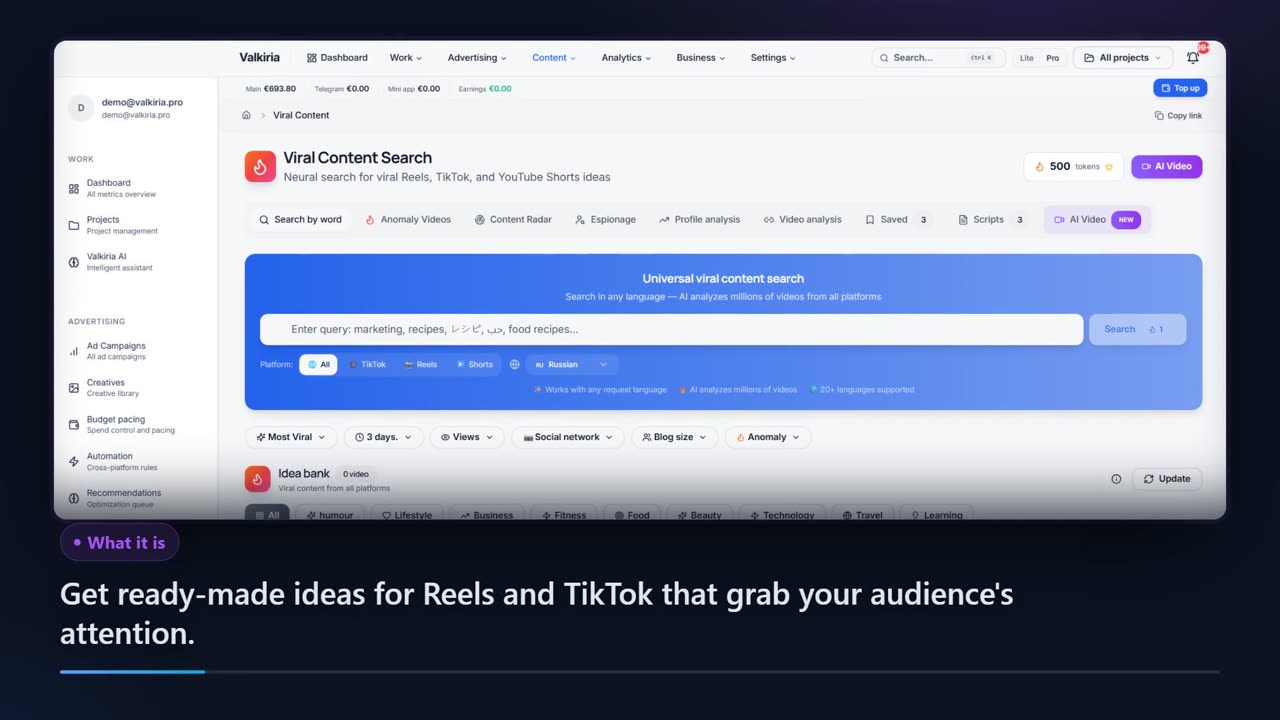
Compare posts across networks and search what goes viral in your niche.
Modules that do the work
05FAQ
Questions about Valkiria and AdCreative.ai
Start now
Look at the account, not only the creatives
You can keep AdCreative.ai running. Start in read-only mode and decide whether anything needs to change.