Metricool or Valkiria: reports on social, or work inside the ad account
Metricool describes itself as one tool to plan, measure and manage your social media, with ads from Google, Meta and TikTok on the same dashboard. Valkiria goes into the ad accounts themselves: it finds wasted budget and proposes changes that wait for your approval, with organic posting alongside. This page helps you decide what suits your team and try Valkiria without switching anything off.
Valkiria vs Metricool
Metricool plans, measures and reports on social media and ads. Valkiria audits the ad accounts themselves and proposes edits that wait for your approval.
01What hurts
When a team on Metricool looks for something else
The reports are clear, but the account still leaks budget
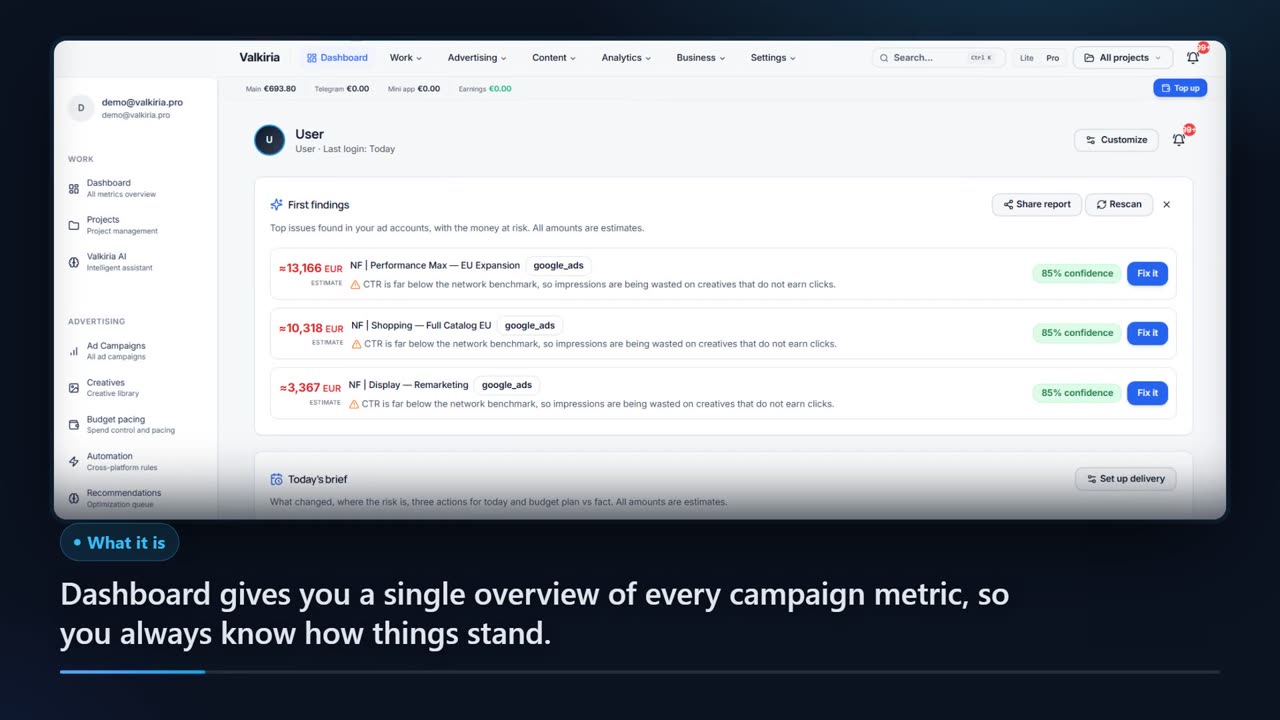
Metricool's ads page describes dashboards, guided campaign creation and recommendations based on your data. If what you need is an audit of where budget is wasted inside the account, plus pixel and Conversions API checks, that is the job Valkiria is built for.
A person must see every change
Metricool's ads page describes a guided process for creating Google and Facebook Ads campaigns. Some teams prefer a tool where new campaigns start paused and live edits stay off until switched on for an account.
You also advertise in Telegram
Metricool's ads page names Google, Meta and TikTok and does not list Telegram Ads. In Valkiria, Telegram Ads is managed next to Google Ads and Meta Ads.
Scroll to see it work
Valkiria in four moves
- 01Scattered
Without Valkiria, this work is spread across spreadsheets and tabs.
- 02Connected
Valkiria reads the accounts and data you have already connected.
- 03Found
It highlights what matters now, with the evidence behind it.
- 04Approved
You decide what happens next: what applies on its own and what waits for approval.
02How it works
How to try Valkiria alongside Metricool
- 01
Leave Metricool as it is
Nothing needs to be switched off. Connect an ad account to Valkiria and turn on read-only mode, so Valkiria cannot change anything in it.
- 02
Compare the findings
Run the AI audit of wasted budget and set it beside the recommendations you already receive. Check your pixel and Conversions API while you are there.
- 03
Test another channel
Draft a campaign for Google Ads or Telegram Ads. It is created as PAUSED, and whether it ever goes live is your decision.
03What you get
Where Valkiria differs, and where Metricool is stronger
Three platforms with read and write
Google Ads, Meta Ads and Telegram Ads have native two-way control. ChatGPT Ads is read-only. TikTok, LinkedIn, Reddit, Microsoft, Pinterest, X and Snapchat are being connected, with current state on the public /status page.
01Live edits off by default
New campaigns are created PAUSED. Live edits stay off until you switch them on for an account, and you choose how much needs your approval: in manual mode, every edit waits for it. A read-only mode is also available.
02Audit and signal checks
The AI audit shows where budget is being wasted, and pixel and Conversions API checks help you find problems with conversion data.
03Organic posting alongside
The SMM module publishes and schedules posts to 9 networks through their own APIs: Facebook, Instagram, LinkedIn, Threads, TikTok, X, Telegram, Pinterest and the Google Business profile. Metricool's site names more networks, including YouTube, Twitch and Bluesky.
04API and MCP on both sides
Valkiria has a public API and an MCP server for AI assistants. Metricool's pricing page also lists Metricool MCP and, on the Advanced plan, API access, so having them is not in itself a difference.
05Where Metricool is the better choice
If most of your work is social media itself: a content planner with best times to post, one inbox for messages and comments, competitor tracking, automated reports and link-in-bio pages, across networks that include YouTube, Twitch and Bluesky, with TikTok Ads on the same dashboard.
0604In numbers
- PAUSED
- the status of every new campaign when created
- OFF
- live edits until you switch them on for an account
- 3
- platforms with native two-way control: Google Ads, Meta Ads, Telegram Ads
Who gets what
What each type of client takes away
What you connect
- Ad accounts
- Analytics
- Website
- Bank & invoices
What Valkiria does
- 01Collect spend and results
- 02Find leaks and gaps
- 03Propose next steps
What you get
- Action plan
- Owner report
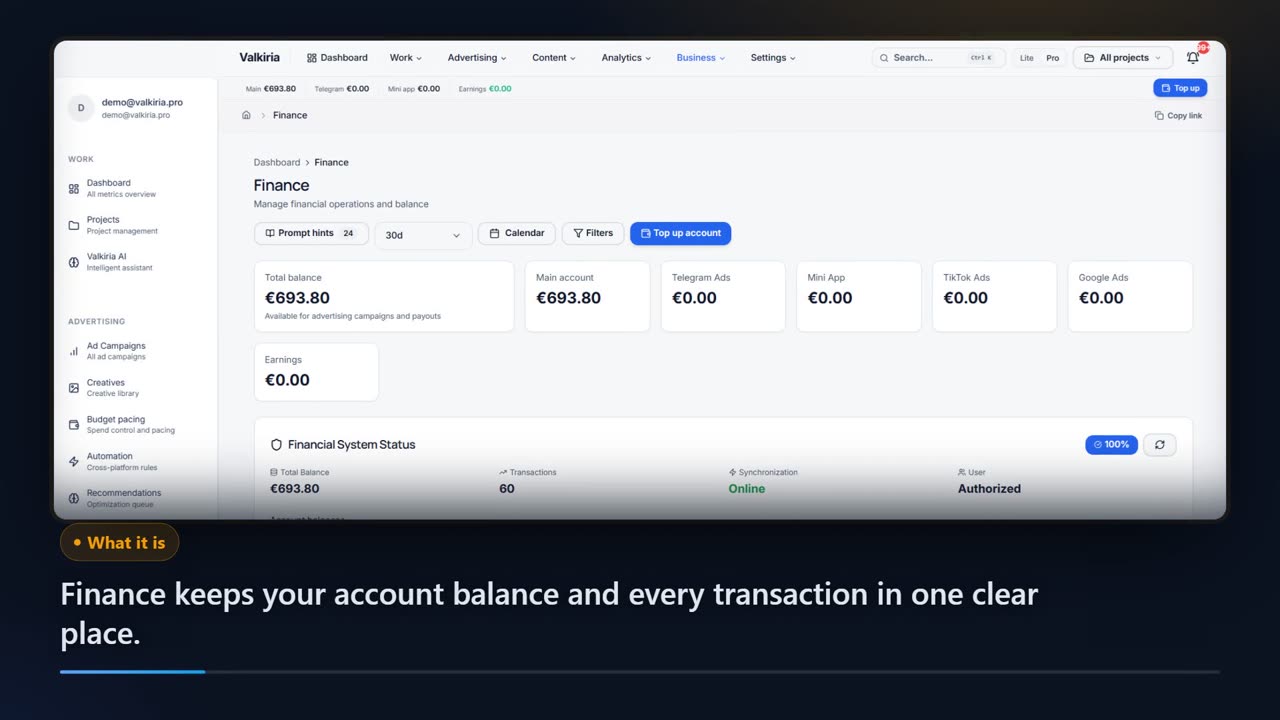
- Spend control
See every ad budget and what it returns, without opening five dashboards
Google, Meta, TikTok and the rest in one view, in your currency, with results next to costs.
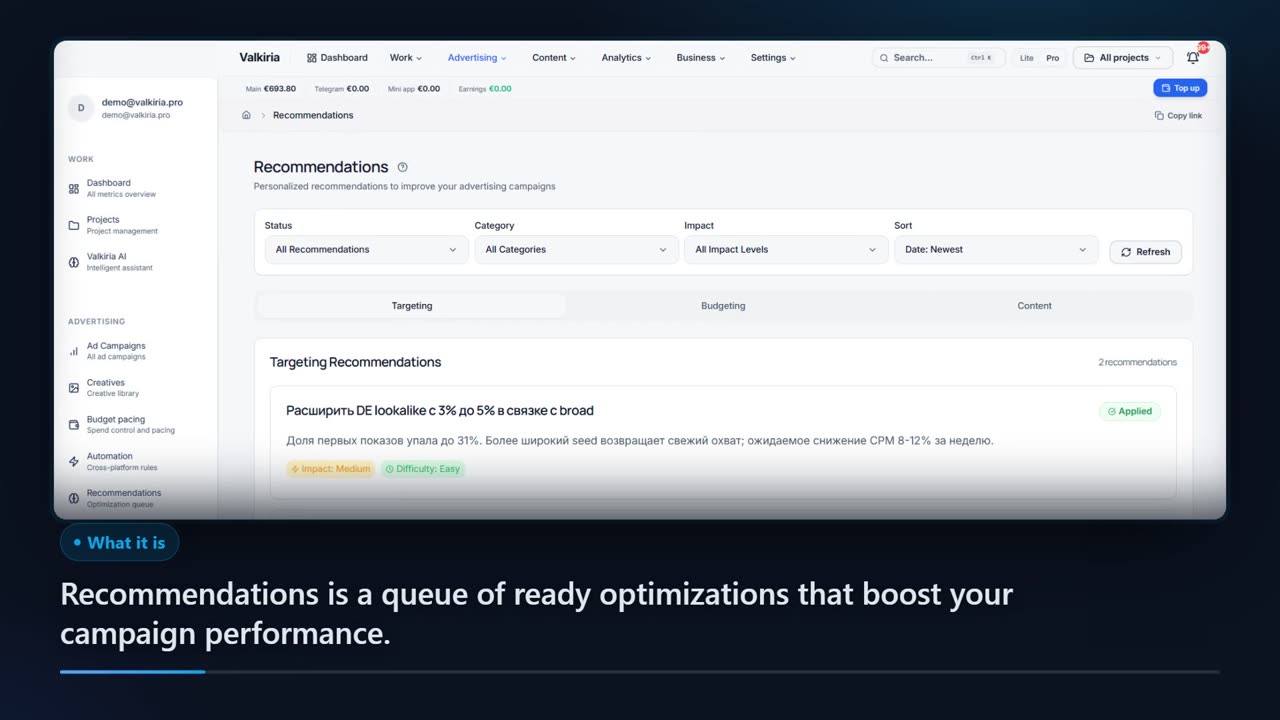
Findings turn into a prioritised list of next steps with the evidence behind each one.
New campaigns are created paused. Edits to live campaigns stay off until you switch them on for an account; deletions and new spend always wait for approval.
Modules that do the work
05FAQ
Questions about Valkiria and Metricool
06See also
All modulesStart now
Take a second look at your ad account
You can keep Metricool running. Start in read-only mode and decide whether anything needs to change.