How to Set Up Cross-Channel Analytics and Stop Guessing
To set up cross-channel analytics and stop guessing, unify data from advertising, your website, CRM, and mobile app into a single session using User ID, cross-domain configuration, and event synchronization. This enables precise tracking of the customer journey from first click to purchase. Google Analytics 4's official documentation confirms: "Cross-channel analytics requires consistent user identification across all sources" support.google.com/analytics/answer/9213390. Without this, discrepancies exceeding 5% between GA4 and CRM indicate an implementation error.
- Use a single hash-based user identifier (e.g., derived from email) in GA4, CRM, and advertising platforms
- Configure cross-domain data transfer and event synchronization via Google Tag Manager (GTM) and the Measurement Protocol
- Verify purchase count alignment between GA4 and CRM: deviations beyond acceptable consistency thresholds may signal an identifier transmission error
- For validation, use GA4's "Customer Journey" report and manual order tests tracked by user_pseudo_id
What Is Cross-Channel Analytics and Why Is It Needed?
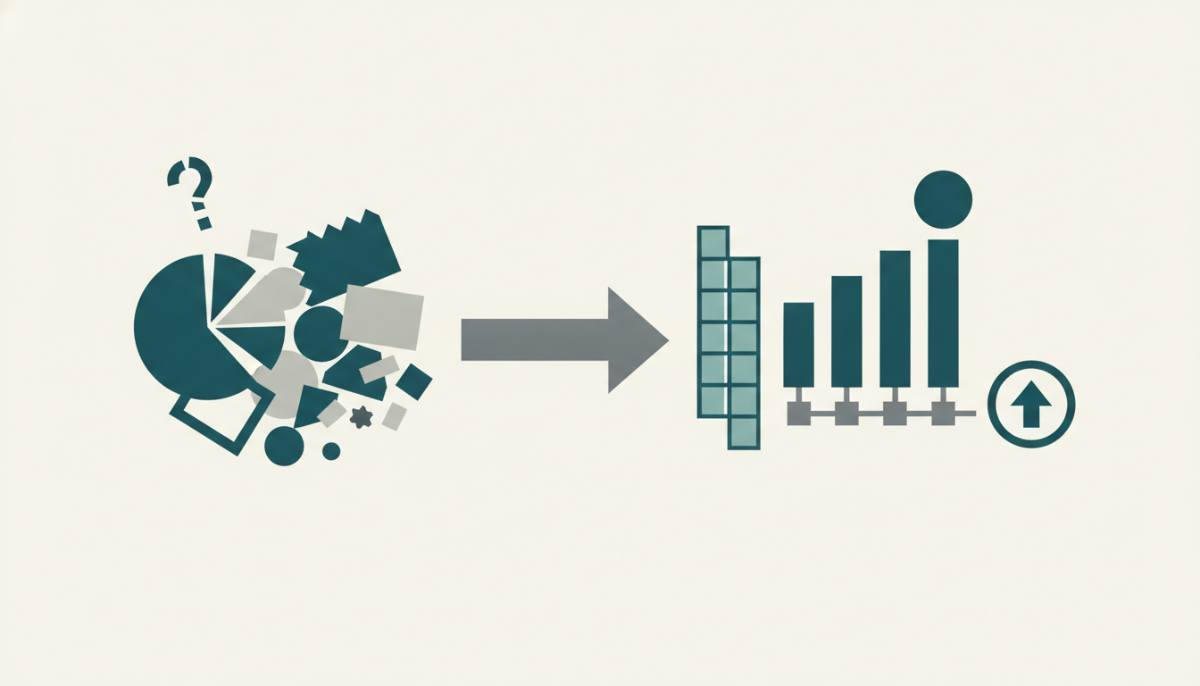
Cross-channel analytics is the unification of user data from all touchpoints - website, mobile app, email, advertising, and CRM - into a single, identifiable session. It enables full tracking of the customer journey from first click through to purchase and retention. Without it, marketers must "guess": for example, attributing a lead to Google Ads when in fact the user visited multiple times via organic search before converting. Its core value lies in more accurate attribution and avoiding inflated or duplicated metrics.
In Ukraine, Poland, Germany, the Czech Republic, and Slovakia, GDPR and Ukraine's Law "On Personal Data Protection" apply. This means collecting and transmitting identifiers is permitted only with explicit consent and encryption. For instance, amoCRM requires enabling the "Email Hashing" option in its GA4 integration settings amocrm.ru/support/articles/integrations-ga4. In Germany, the Bundesnetzagentur states that any use of cookies or identifiers without explicit consent violates § 15 of the Telemediengesetz bundesnetzagentur.de/DE/Sachgebiete/Telekommunikation/Unternehmen_Institutionen/RechtlicheRahmenbedingungen/Telemediengesetz. In the Czech Republic and Slovakia, equivalent rules are codified in the Electronic Communications Act (Act No. 359/2011 Coll. and Act No. 365/2004 Z. z.).
If your site operates across multiple EU countries, verify how user_pseudo_id is stored in GA4: it must be tied to consent obtained via a CMP (Consent Management Platform) compliant with the IAB Europe Transparency & Consent Framework. Otherwise, data may be excluded from reports.
How to Set Up Cross-Channel Analytics and Stop Guessing: A Step-by-Step Process
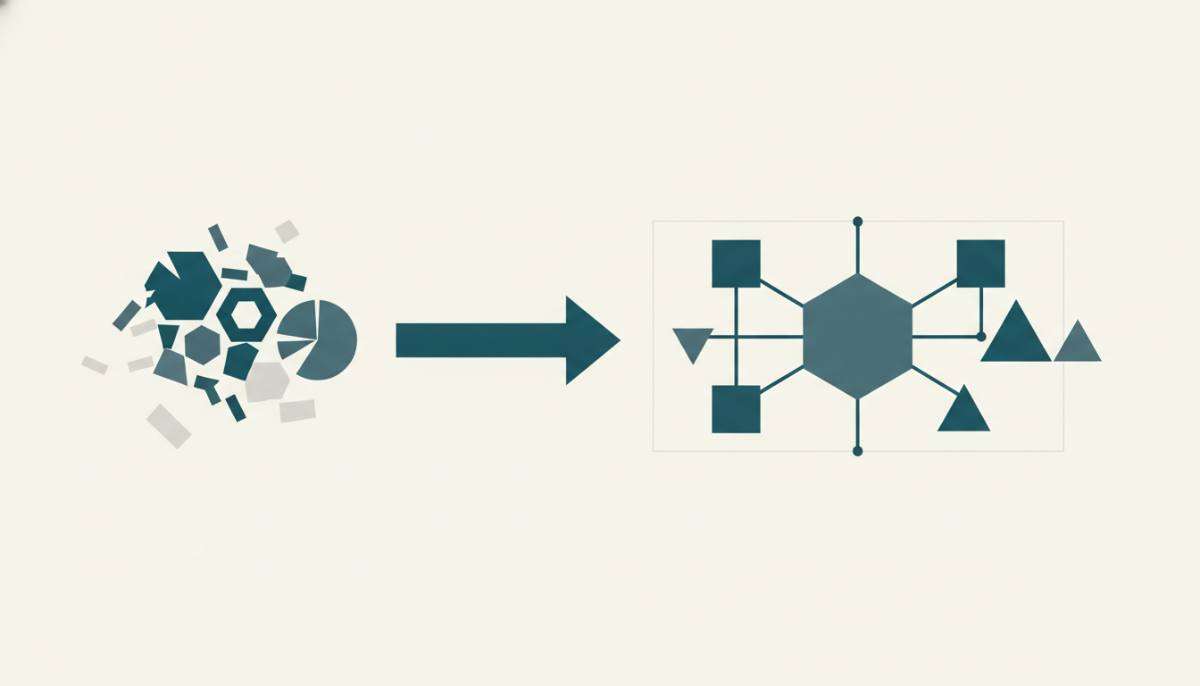
Setup begins with identifier unification: implement User ID in GA4, Firebase, and CRM (e.g., via an email-derived hash), then synchronize events via GTM and APIs (e.g., sending a purchase event from 1C to GA4 using the Measurement Protocol). Next, configure cross-domain tracking, bind UTM parameters to internal navigation, and validate using GA4's "Customer Journey" report. Always verify purchase count alignment between GA4 and CRM - discrepancies may indicate a User ID transmission error.
Below is the baseline sequence for companies operating in the target markets:
| Step | Action | Where to Verify | Success Criterion |
|---|---|---|---|
| 1. Identification | Generate client_hash from email (SHA-256) in CRM and pass it to GA4 as custom_user_id | GA4 DebugView, users table in BigQuery | The user_id field in GA4 must match the client_hash in CRM for the vast majority of users |
| 2. Events | Send purchase, lead, and registration events via Measurement Protocol v1, specifying user_id | GA4 Events Explorer, server logs | Events appear in GA4 within two minutes of the API call |
| 3. Cross-Domain | Set allowLinker = true and list domains in the gtag.js configuration for websites and subdomains | GA4 Realtime Report | Sessions must persist when navigating between linked domains and subdomains - requiring correct session identifier transmission |
In Poland and Slovakia, second-level domains are common (e.g., sklep.pl, obchod.sk). Each subdomain must be explicitly registered in GA4 settings. In Germany and the Czech Republic, additional verification via Google Tag Assistant is recommended - especially when working with AMP pages.
How Long Does Cross-Channel Analytics Setup Take for a Midsize Business?
For a company with a WordPress website, a React Native mobile app, and Bitrix24 CRM, setup takes 10-14 business days assuming technical access and agreed-upon event mapping. First valid full-path user data appears 72 hours after integration completion. Critical testing includes placing an order on the website, confirming it in CRM, and verifying it appears in GA4 under one User ID with correct event.timestamp and session_id. Without this step, the risk of "guessing" persists - even if the system appears functional.
Regional factors affecting timelines:
- In Ukraine - coordination with the DPA (Ukrinform Agency) is required when using external data hosts outside the EU
- In Poland - the consent form must be adapted to meet requirements set by UOKiK (Office of Competition and Consumer Protection)
- In Germany - GA4 configuration must comply with BDSG, and a Data Protection Officer (Datenschutzbeauftragter) must be appointed within the team
- In the Czech Republic and Slovakia - hashing implementation must comply with the Czech Data Protection Act (Act No. 110/2019 Coll.)
If the CRM lacks an API or runs on a local server (e.g., 1C:Enterprise), timeline increases by 3-5 days due to the need to develop an intermediary service for event transmission.
Which Tools Are Best Suited for Cross-Channel Analytics in 2024?
The optimal stack is GA4 + BigQuery + Segment (or RudderStack) + a CRM with API (e.g., amoCRM or HubSpot). GA4 collects events; BigQuery enables joining data across sources using user_pseudo_id and custom_user_id; Segment standardizes event formats. Example: In BigQuery, join the GA4 events_YYYYMMDD table with the amoCRM deals table on client_hash to calculate channel-specific CAC. Adopting such a stack instead of generic solutions can accelerate data analysis.
Important: BigQuery is not available in GA4's free tier. For companies in Ukraine and Poland, exporting to Google Cloud Storage followed by scheduled BigQuery ingestion remains viable. In Germany and the Czech Republic, many agencies deploy local PostgreSQL instances connected via Dataflow - meeting EU data residency requirements.
Segment alternatives in the region:
- RudderStack - open-source, supports self-hosted deployment (relevant for Germany and the Czech Republic)
- Matomo Tag Manager - compatible with Matomo Analytics but does not support native amoCRM integration
- Custom implementation via Google Cloud Functions or Azure Functions (for clients in Poland and Slovakia)
No tool replaces correct identifier configuration. If client_hash mismatches across all three systems, even BigQuery returns incorrect results.
How to Verify That Cross-Channel Analytics Is Working
Verification is not a final step but part of an ongoing cycle. Cross-channel analytics is confirmed operational only when key metrics align across three independent sources: GA4, CRM, and the advertising platform. Significant purchase count discrepancies require diagnostics.
Practical validation procedure:
- Select 10 orders placed in the last 24 hours in CRM
- Locate them in GA4 using the "Customer Journey" report, searching by client_hash
- Compare the purchase event timestamp in GA4 with the deal creation date in CRM
- Confirm UTM parameters in GA4 match those specified in the corresponding Google Ads or Meta Ads Manager campaign
If 2 out of 10 orders are missing or show time differences exceeding 15 minutes, the system requires refinement. In Poland and Slovakia, use Europe/Warsaw and Europe/Bratislava time zones respectively - not UTC. In Ukraine, use Europe/Kiev. Time zone mismatches are a frequent cause of reporting errors.
Do not rely on GA4's automated reports. Manually verify how user_pseudo_id is generated: if it regenerates per session rather than binding to client_hash, cross-channel analytics is not functioning. Use GA4 DebugView with filtering by the user_id parameter - not user_pseudo_id.
Common Setup Errors
- Transmitting email in plain text to GA4 (violates GDPR and Ukraine's Law No. 2297-VIII)
- Using a single client_hash for multiple email addresses (e.g., during CRM account merging)
- Failing to handle consent withdrawal: events continue collecting without user_id
- Date format mismatch between 1C and GA4 (e.g., dd.mm.yyyy vs. yyyy-mm-dd)
Frequently Asked Questions
What Is Cross-Channel Analytics and Why Is It Needed?
Cross-channel analytics is the unification of user data from all touchpoints - website, mobile app, email, advertising, and CRM - into a single, identifiable session. It enables full tracking of the customer journey from first click through to purchase and retention. Without it, marketers must "guess": for example, attributing a lead to Google Ads when in fact the user visited multiple times via organic search before converting. Its core value lies in more accurate attribution and avoiding inflated or duplicated metrics.
How to Set Up Cross-Channel Analytics and Stop Guessing: A Step-by-Step Process?
Setup begins with identifier unification: implement User ID in GA4, Firebase, and CRM (e.g., via an email-derived hash), then synchronize events via GTM and APIs (e.g., sending a purchase event from 1C to GA4 using the Measurement Protocol). Next, configure cross-domain tracking, bind UTM parameters to internal navigation, and validate using GA4's "Customer Journey" report. Always verify purchase count alignment between GA4 and CRM - discrepancies may indicate a User ID transmission error.
How Long Does Cross-Channel Analytics Setup Take for a Midsize Business?
For a company with a WordPress website, a React Native mobile app, and Bitrix24 CRM, setup takes 10-14 business days assuming technical access and agreed-upon event mapping. First valid full-path user data appears 72 hours after integration completion. Critical testing includes placing an order on the website, confirming it in CRM, and verifying it appears in GA4 under one User ID with correct event.timestamp and session_id. Without this step, the risk of "guessing" persists - even if the system appears functional.
Which Tools Are Best Suited for Cross-Channel Analytics in 2024?
The optimal stack is GA4 + BigQuery + Segment (or RudderStack) + a CRM with API (e.g., amoCRM or HubSpot). GA4 collects events; BigQuery enables joining data across sources using user_pseudo_id and custom_user_id; Segment standardizes event formats. Example: In BigQuery, join the GA4 events_YYYYMMDD table with the amoCRM deals table on client_hash to calculate channel-specific CAC. Adopting such a stack instead of generic solutions can accelerate data analysis.
Can Cross-Channel Analytics Be Set Up Without Website Code Access?
No. Website code access is required to implement GA4 with user_id, configure cross-domain linking, and correctly transmit events via GTM. Cookie-only tracking (without user_id) does not enable cross-channel analytics - it provides only partial behavioral insight limited to a single device and browser. In Ukraine, Poland, and Germany, such approaches fail to meet requirements for accurate attribution and are not permitted in agency client reporting.
The advertising management platform referenced provides an interface for campaign aggregation, budget control, and transparent ROI analytics. It integrates with GA4
and CRM via API, supports UTM parameters per Google Ads and Meta Ads Manager requirements, and allows data export in CSV format or via BigQuery connection. In Ukraine, such platforms undergo compliance review against national personal data protection legislation, provided event logs are stored locally. In Poland, they must be registered with the national data protection authority as a data controller. In Germany, a joint controller agreement under applicable data protection law is mandatory. In the Czech Republic and Slovakia, a Data Protection Impact Assessment is required when using external APIs to transmit client_hash.
How to Measure Cross-Channel Analytics Effectiveness
Effectiveness is measured not by event volume, but by accuracy of three metrics: channel-specific CAC, campaign-level ROAS, and time from first click to purchase. To calculate channel CAC in BigQuery, JOIN the GA4 events_YYYYMMDD table with the amoCRM deals table on client_hash, then divide the channel's total budget by the number of deals matching that client_hash. ROAS is calculated as revenue from the deals table divided by ad spend in Google Ads or Meta Ads Manager over the same period - without user_id linkage, this value may differ significantly.
Example calculation (hypothetical):
If GA4 records 120 purchase events with user_id in one week, amoCRM creates 114 deals with the same client_hash, and Google Ads spends 24,000 UAH, then:
- CAC = 24,000 / 114 = 210.53 UAH
- ROAS = (revenue from 114 deals) / 24,000
A 6-order discrepancy (5.3%) falls within acceptable range if confirmed: four orders are test orders, and two were cancelled in CRM prior to payment.
Important: ROAS does not reflect margin. To calculate advertising profitability, use net profit per deal from CRM - not gross revenue. In amoCRM, this is the "Profit" field in the deal record; in HubSpot, it is the custom property "Net Profit"; in 1C:Enterprise, it is the value from the "Financial Results" information register.
What to Do If Cross-Channel Analytics Is Not Working
If GA4-CRM discrepancies exceed 5%, begin diagnostics in priority order:
- Check whether client_hash appears in GA4 DebugView for the three most recent test orders. An empty user_id field indicates an error in transmission from CRM or GTM.
- Compare hash formatting in CRM and GA4: SHA-256 applied to email@domain.com must yield identical outputs in both systems. amoCRM uses hash('sha256', $email); GA4 uses an equivalent GTM Custom JavaScript call.
- Confirm GA4 has "Use User ID as primary identifier" enabled in Admin > Property > Data Stream Settings.
- Verify Measurement Protocol requests are not blocked by Cloudflare or local firewalls - particularly common in Germany and the Czech Republic, where User-Agent header filtering rules are frequently applied.
If the error persists beyond 48 hours, use a fallback: export GA4 events to Google Cloud Storage, load into a local PostgreSQL database, and manually match records by email using regular expressions. This approach is permissible in Ukraine and Poland, provided emails are encrypted before ingestion and source files are deleted within 72 hours.
Conclusion
Cross-channel analytics is not a collection of tools but a process of consistent user identification. It functions only when client_hash matches across GA4, CRM, and the advertising platform, and when events are synchronized in time and context. In Ukraine, Poland, Germany, the Czech Republic, and Slovakia, this process is governed by data protection laws - any deviation from consent, encryption, or storage requirements leads to inaccurate metrics and legal risk. Start by validating a single order: locate it in CRM, find it in GA4 using client_hash, compare timestamps and UTM parameters. If alignment exists - the system works. If not - diagnose step-by-step, resolving each error before proceeding.